What a childcare centre website needs
Parents shortlist on price, distance and whether there’s a place, then choose on quality, and a visit is often what decides it. Here’s a homepage built around that, marked up section by section, with the rules on ratings, offers, photos of children and reviews.
On This Page
- How parents choose a childcare centre
- A childcare homepage, section by section
- What a childcare website needs: the checklist
- How to show your NQS rating on your website
- Offers and referrals: what’s allowed
- Photos of children on your website
- Google reviews for childcare centres
- Your Google Business Profile
- Questions I get asked
Parents shortlist childcare centres on price, distance and whether there's a place, then choose on quality, and a visit is often what decides it. A childcare website's job is to get the right families to book a tour, and to do that it has to show where you are in words local parents use, which rooms have places on which days, what it costs in plain words, who the educators are, and what a day looks like. No national rule requires your approval number or rating on your website, but if you show your rating or make an offer, there are rules about how.
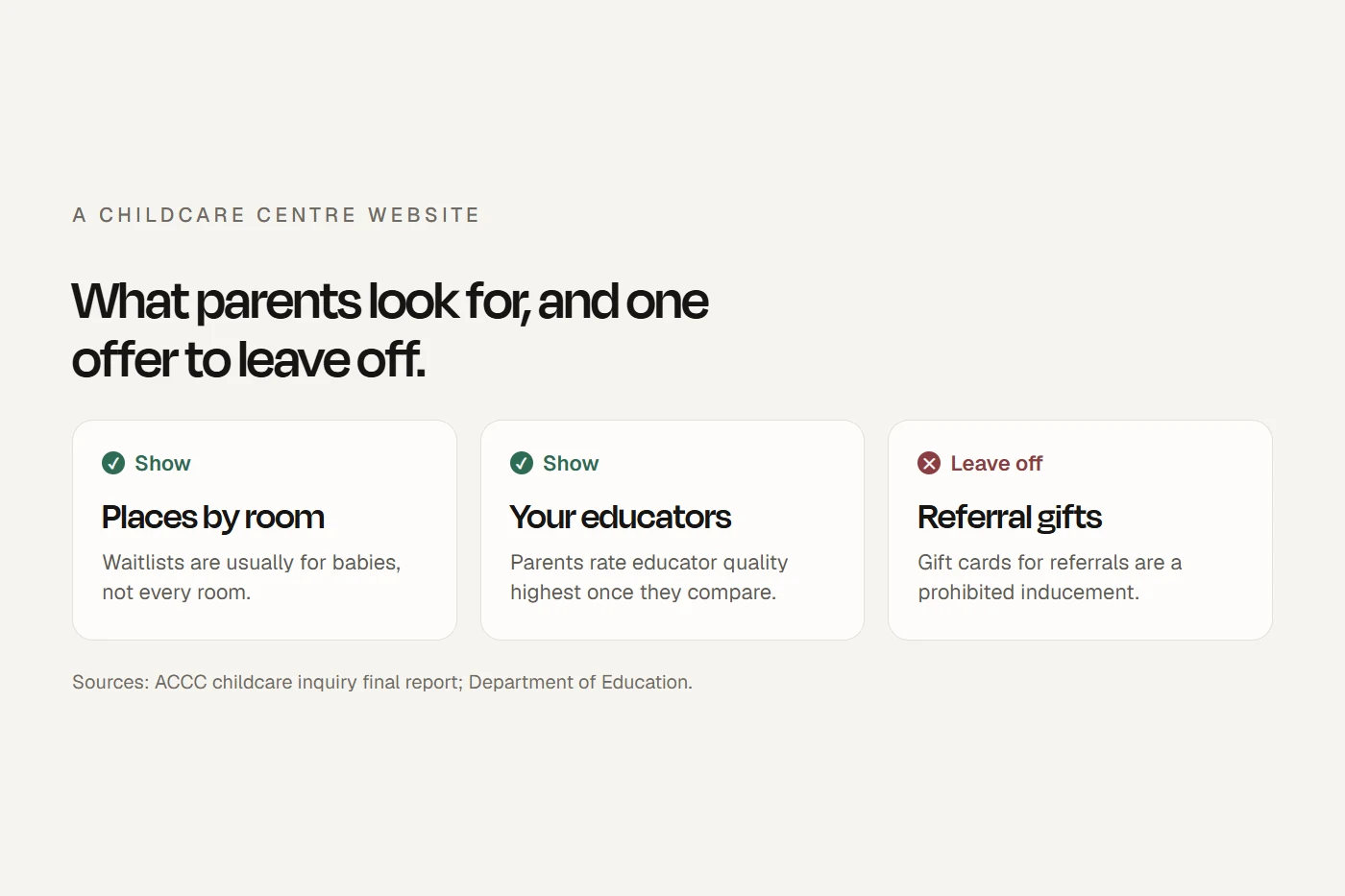
- Put on the websiteYour suburb, places by room and day, your daily fees with a plain explanation of the subsidy, your educators, a day in each room, your child safety approach, your rating shown correctly, a link to your reviews, and "Book a tour" on every page.
- Leave offGift cards, cash or devices for enrolling or referring, a rating logo that doesn't match your current rating, and photos of children without the parents' written consent.
I build websites for childcare and early learning centres. Everything below comes from what the ACCC found when it asked parents how they choose care, what StartingBlocks tells parents to ask, and the rules from ACECQA, the Department of Education, the OAIC and Google that apply to a centre's marketing.
How parents choose a childcare centre
The ACCC's childcare inquiry surveyed parents and published what it found in its final report. It describes a decision in three steps:
The ACCC also asked parents where they got information about centres. This is the order they put the sources in. Your own website comes fourth, after the visit, friends and family, and online reviews. StartingBlocks, the government comparison site, came well below.
- 1Visiting the centre in person
- 2Recommendations from friends and family
- 3Online reviews
- 4The centre's own website
- 5Parenting groups, online or in person
- 6Social media
- 7StartingBlocks.gov.au
- 8Comparison websites
Order from the ACCC Childcare inquiry final report (Figure 5.28, English-language survey). The report's chart has no data labels, so I've shown the order only.
Two more findings matter for a website. The baby room is usually the tight one: the ACCC found children aged 0 to 2 were the only age group where waitlists held more places than were on offer, and one large provider told it that many of its centres had waiting lists for babies and toddlers without being full overall. And parents who switch centres mostly do it over quality, with price "appearing to play a lesser role". Once families have worked out how much care they need, the ACCC found, price matters less and centres compete on quality. That's an argument for showing who will care for their child before offering a discount.
A childcare homepage, section by section
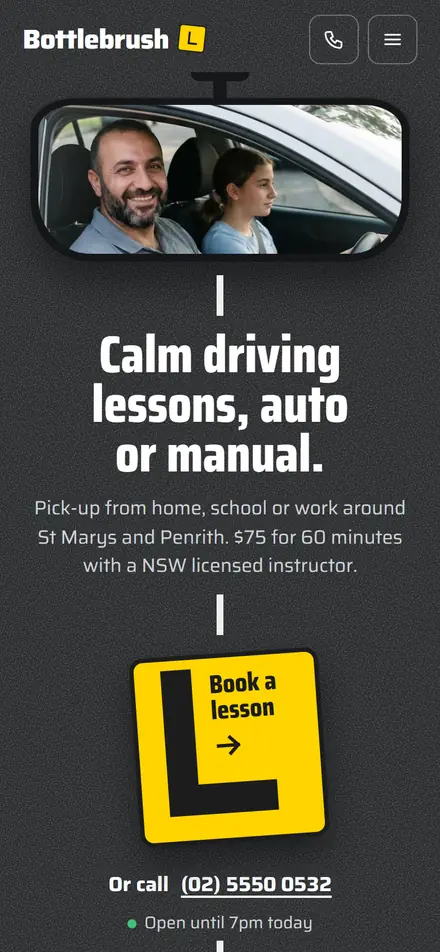
Below is a homepage built around how parents choose. It's a mockup for a made-up centre, with example fees. Tap a number to see why each section is there.
Long day care in Your Suburb, six weeks to school age
Two minutes from the station, next to the primary school.
Places this week
Updated every Friday.
Fees
$142 a day before the Child Care Subsidy, which reduces it for eligible families. How the subsidy works · Estimate yours
Your child's educators
Diploma, 6 years with us
Teacher, 4 years with us
A day in the toddler room
Read our Google reviews
Book a tour: Monday to Friday
- "Book a tour" on every screenA visit is where most parents decide, so the main button asks for a visit, not an enrolment. Free tours and trial periods are allowed under the Department of Education's advertising rules.
- Places by room and dayAvailability is one of the three things parents shortlist on, and the baby room is usually full when the others aren't. Keep this in step with the vacancies you report each week for StartingBlocks.
- Fees in plain wordsShow your daily fee before the subsidy, the same figure you report for StartingBlocks, then explain in a sentence that the subsidy reduces it and link to the official estimator. Don't quote subsidy rates. They change.
- The educators, by roomParents rate educator quality highest once they compare. Names, qualifications and how long each person has been with you answer StartingBlocks' question "Which educator or educators will be my child's main carer?" before the tour.
- Photos without facesReal rooms and real activities say more than stock images. Hands, backs and empty spaces show the centre without the consent questions a child's face raises.
- Rating and reviewsThe rating has to match your current rating exactly, and the official logo has its own rules (below). Link to your Google reviews rather than copying them onto the page.
- Child safety and privacyStartingBlocks tells parents to ask for your code of conduct, your philosophy and how you follow the Child Safe principles. Link them where parents can find them, with your privacy policy.
What a childcare website needs: the checklist
The full list is below. Tick off what your site already does; the list remembers your progress on this device.
- Your suburb, and the streets, schools and stations parents know Parents compare centres within a small radius of home.
- Places by room and by day, updated weekly A line per room does more than "Enquire about vacancies".
- Your daily fee for each room Before the subsidy, matching what you report for StartingBlocks.
- A plain explanation of the Child Care Subsidy Two sentences and a link to the estimator. No rates.
- Your educators Names, qualifications, which room, and how long they've been with you.
- A day in each room Routines, meals, sleep, toileting, and how you keep families updated.
- Child safety Your philosophy, code of conduct, and how you follow the Child Safe principles.
- Your current NQS rating, shown correctly See the rules below.
- A link to your Google reviews With the number of reviews if you show a star rating.
- "Book a tour" on every page Free tours and trial days are allowed.
- Hours, sessions and contact details The same as your Google Business Profile.
- A privacy policy Linked from every page.
Keeping vacancies right
Your fees and vacancies on StartingBlocks don't come from StartingBlocks itself. They flow from what you enter in the Child Care Subsidy System's Provider Entry Point, or through your childcare software, by age group and day, for the current or next week. Changes take 24 to 48 hours to appear. ACECQA says vacancies must be reported each Friday and fee changes within 14 days. Update the website at the same time, so a parent who checks both sees the same answer.
Explaining fees and the subsidy
The Child Care Subsidy is passed on to families as a reduction in their fees, the amount depends on each family's circumstances, and families pay the gap. Say that, then link to the subsidy estimator on StartingBlocks rather than quoting rates, which change. The Productivity Commission found the system "can be confusing for families to navigate". A clear explanation on your site answers the question most families ring to ask.
Answering parents' questions before the tour
StartingBlocks gives parents a list of questions to ask a centre, including "How will educators comfort my child if they become upset?", "How will I be informed about my child's eating, sleeping and toilet visits during the day?", "Can my child follow the same routine they have at home?" and "What is the staff turnover like?". Answer them on your website. The tour then starts from what the parent has already read.
How to show your NQS rating on your website
The rules about displaying ratings apply at your premises, where your rating certificate has to be displayed. I couldn't find any rule requiring your rating, or your approval numbers, on your website. But if you show it, ACECQA's rules apply. Choose your current rating:
Excellent
- What it means
- Awarded only by ACECQA, to services rated Exceeding in all seven quality areas that apply for it.
- On your website
- ACECQA lists Excellent-rated services on its website. Check with ACECQA which marks you may use.
- Watch for
- Excellent ratings expire. When yours does, take it off the website, your Google Business Profile, signage and social media.
Exceeding National Quality Standard
- What it means
- "Goes beyond the requirements of the National Quality Standard in at least four of the seven quality areas."
- The rating logo
- You can request it through the National Registers. ACECQA emails the files to the service.
- Watch for
- Use it unchanged and only for the centre that holds the rating. A multi-centre website can't show it unless it's clearly tied to that one centre.
Meeting National Quality Standard
- What it means
- "Provides quality education and care in all seven quality areas."
- The rating logo
- You can request it through the National Registers.
- Watch for
- Use the logo for your current overall rating only. ACECQA says a false or misleading statement about your rating is an offence under the National Regulations.
Working Towards National Quality Standard
- What it means
- "Provides a safe education and care program, but there are one or more areas identified for improvement."
- The rating logo
- Available through the National Registers, like Meeting and Exceeding.
- Watch for
- Whether to show it is your call. Whatever you say about quality must not misrepresent the rating.
Significant Improvement Required
- The rating logo
- ACECQA's rating logo is offered for Working Towards, Meeting and Exceeding only.
- Watch for
- Nothing you publish can misrepresent your rating. StartingBlocks also shows parents any enforcement action and when the regulator last visited.
Two more things. The logo files can't be passed on to other services, so if a designer builds your site, give them the file to use on your site only. And when your rating changes, update it everywhere it appears. ACECQA says the National Registers update about two weeks after your final report.
Offers and referrals: what's allowed
The Department of Education says providers "must not offer prohibited inducements when advertising or promoting their service". It covers offers to new families and also offers to families already enrolled, if they're likely to bring in another family. Tap each offer to check it.
New centres should know one more rule. ACECQA says it is an offence to advertise an education and care service before it is approved, unless an application for approval has been lodged and not yet decided. In Western Australia a provider pleaded guilty over a billboard for a proposed centre that didn't have approval. Check where your application stands before the pre-opening campaign starts.
Photos of children on your website
Photos of your own rooms and educators show parents what stock images can't. Photos of children come with rules.
The National Law and Regulations now limit personal devices in services. In a centre, staff and volunteers can't use or carry personal devices while working directly with children, and photos and videos of children have to be taken on devices the service supplies, under the service's own policy. ACECQA's page on the change has the detail and the exceptions.
The OAIC treats images of people as personal information and says it's good practice to get express consent after explaining how a photo will be used and who will see it, and for children to discuss it with their parent or guardian first. The OAIC lists child care centres among its examples of health service providers, which the Privacy Act covers whatever their turnover. ACECQA's own advice for media photos is to make sure the child's parent has consented to the photo being published.
In practice I'd ask for written consent that names each place a photo will appear (website, Google, social media, print) and can be withdrawn. Don't name children or show anything that identifies where they live or go to school. Hands at work, activities, children from behind, and the empty rooms themselves say a lot without a face.
Google reviews for childcare centres
Online reviews are one of the top three places parents look, so ask for them, within the rules. Google's policy bans offering incentives for any review, asking only happy families, pressuring people to review while they're at the centre, and reviews from staff. The ACCC says businesses mustn't suppress or edit negative reviews, and that where a star rating is shown it should come with the number of reviews behind it.
Ask every family at a natural point, like the end of their first term or when a child moves to school, with a plain link. Reply to reviews, good and bad, without naming a child.
Your Google Business Profile
Families searching for care nearby see your Google Business Profile in Maps and search results. Google says to use as few categories as possible and choose the most specific one that describes your main service. Search the category list for "child care" and "preschool" and pick the closest. Keep your hours, photos and tour link the same as your website. My Google Business Profile checklist was written for clinics, but most of it applies to a centre unchanged. For more on what goes into a site built for a centre, see my page on childcare website design.
Questions I get asked
What should a childcare website include?
Your location, places by room and day, daily fees with a plain explanation of the Child Care Subsidy, your educators, a day in each room, your child safety approach, your current rating, a link to reviews, and a way to book a tour on every page.
Do we have to show our NQS rating on our website?
No. Your rating certificate has to be displayed at the service. Showing the rating online is optional, and if you do, it must match your current rating.
Can we use the NQS rating logo?
If your overall rating is Working Towards, Meeting or Exceeding, you can request it through the National Registers. Use it unchanged, and only for the centre that holds the rating.
Can we give families a gift card for referring a friend?
No. The Department of Education counts offers to enrolled families that are likely to bring in another family as prohibited inducements. Free tours and trial days are allowed.
Can we put photos of children on our website?
With written consent from the parent or guardian for that use, taken on a device the service supplies. Many centres use photos that don't show faces.
Should we put our fees on the website?
Yes. Affordability is one of the first things parents shortlist on, and your fees already appear on StartingBlocks. Add a plain explanation of the subsidy and a link to the estimator.
How do I get more enrolments at my childcare centre?
Make the visit easy to book, show places by room so parents with a matching need get in touch, introduce your educators, and ask every family for a review. The ACCC found visits, word of mouth and online reviews matter more to parents than ratings or comparison sites.
About this guide
Written by Joseph Alzein, founder of bdog. I build websites for childcare and early learning centres. Sources were checked on 11 October 2026. This is general information, not legal advice. For your service, check with your regulatory authority or ACECQA. I've left out subsidy rates and other figures that change; use the official estimator for those.
Main sources:
- ACCC Childcare inquiry, final report
- StartingBlocks: how services update fees and vacancies
- StartingBlocks: what does a quality service look like
- StartingBlocks: child safety and compliance
- ACECQA: are your details up to date on StartingBlocks
- ACECQA: promote your rating
- ACECQA: NQS rating logo terms
- ACECQA: Excellent rating
- ACECQA Guide to the NQF, Quality Area 7
- ACECQA: offences related to service approval
- ACECQA: personal devices and images of children
- Department of Education: how to advertise your service
- Department of Education: Child Care Subsidy
- Productivity Commission: early childhood education and care inquiry
- OAIC: posting photos and videos
- OAIC: small business and the Privacy Act
- Google Maps user-contributed content policy
- Google: choosing Business Profile categories
- ACCC: online reviews