Music school and music teacher software in Australia, compared
My Music Staff, MakeMusic Studio, Duet, Opus1, Teachworks, Jackrabbit, Class Manager, Udio, Enrolmy and the small Australian-built tools, in their own currencies. Which take Australian direct debit, how they handle terms and make-ups, what none of them does for AMEB, vouchers and payroll, and where they keep children’s data. With a cost calculator, a sorter and a switching checklist.
On This Page
Census data counts around thirteen thousand private music teachers in Australia, and most of them work part time. Most music lesson software is built in the US or Canada for them. This guide is for a solo teacher or a small music school owner choosing software for scheduling, term billing, make-up lessons, a parent portal and teacher pay. It compares the main tools in their own currencies, says which take Australian bank direct debit and where each keeps children's data, and flags the Australian rules the software doesn't handle for you. I build music school websites and have no relationship with any vendor here. Prices are from each vendor's own page.
- Solo teacherMy Music Staff is the most reviewed. Recite, Cadenza and OneBookPlus are small Australian options priced in Australian dollars. All cost less a month than a single lesson.
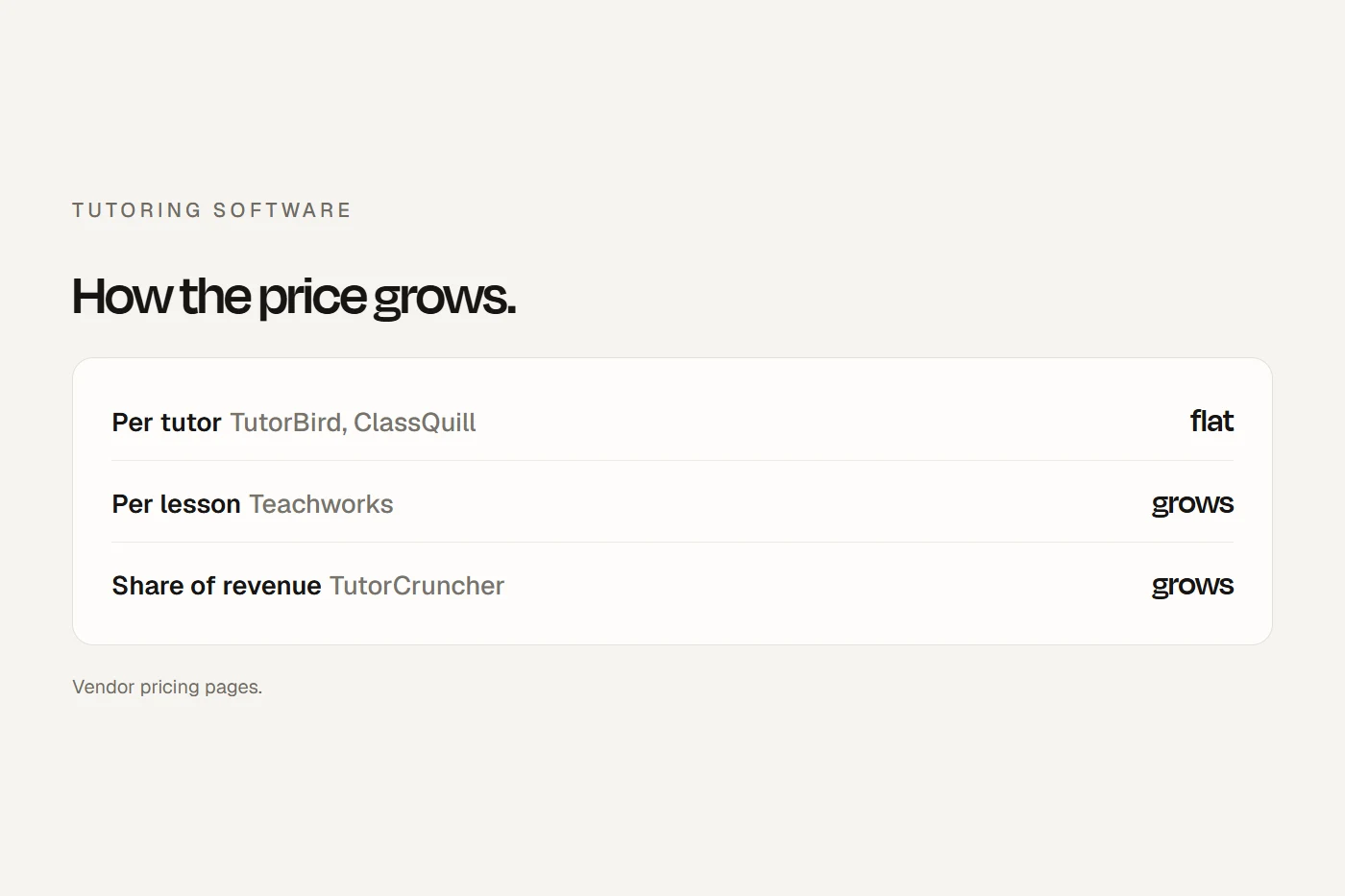
- Small schoolPer-teacher tools get dearer as you hire. Per-student tools like Opus1, Udio and Enrolmy get dearer as you grow. Run your own numbers below.
- How families pay matters moreCard fees on a term invoice can cost more than the software. Few of these tools take Australian bank direct debit, so ask before you sign.
The tools, side by side
| Price shown to Australians | How it grows | Australian direct debit | Where data is kept | |
|---|---|---|---|---|
| My Music Staff (Canada) | $22.95 a month + $5.95 per extra teacher; currency not labelled | Per teacher | Not listed (US and UK bank payments only) | Canada, the US and elsewhere |
| MakeMusic Studio, formerly Fons (US) | A$29.95 + A$7.45 per extra staff, plus card fees | Per teacher | Not mentioned | United States |
| Duet, formerly Music Teacher's Helper (US) | $9 a month flat; families pay 1% on digital payments | Flat | Not mentioned | United States |
| Opus1 (US) | About US$99 to US$325 a month per location | Per student band | "Confirm" with sales | May be outside your country |
| Teachworks (Canada) | From US$16.49 + per student lesson | Per lesson | Yes, through Stripe | Not stated |
| Jackrabbit Music (US) | From $49 a month; currency not named | Per student band | No, card only in Australia | "General geographical region" |
| Class Manager (UK) | No subscription; 2.9% + 30c per online payment | Per payment | Not confirmed | Not found |
| Udio (Perth) | A$49, A$149 or A$299 a month per site | Per plan | Yes, included | AWS, region not stated |
| Enrolmy (NZ and Australia) | A$179 to A$359 a month incl GST | Per active student band | Card through Stripe | On request |
| Recite (SA) | A$19 + $5 per extra teacher | Per teacher | Not stated | Not stated |
| Cadenza (WA) | $25 to $105 a month by staff numbers | Per staff band | Not stated | Some providers overseas |
| OneBookPlus (Sydney) | A$0 to A$69 incl GST | Per plan | "Bank-debit" through Stripe | Sydney |
| Outcoach (Melbourne) | From A$0.83 a student a month, ex GST, billed yearly, + 0.5% of payments | Per student | Not stated | Australia, US, EU, UK and others |
Scroll the table sideways to see every column.
A few things worth knowing:
- My Music Staff has far more reviews than any other music tool on Capterra Australia. It has a 30-day trial and a 90-day refund, but no Australian phone number and no Xero link. TutorBird is the same product for tutors.
- MakeMusic Studio is the new name for Fons, at the same price. It's the one overseas tool that shows Australians prices in Australian dollars.
- Duet and Music Teacher's Helper are the same company. Music Teacher's Helper converts its student-band prices into Australian dollars each month from that day's exchange rate.
- Opus1 hides its prices on its pricing page. Its own reference page gives them, in US dollars.
- The Australian-built tools are small and new. Recite is a teacher couple's product; Cadenza registered its company recently; OneBookPlus says it's in early access. They price in Australian dollars and answer the phone in Australian hours, but trial them properly first.
What it costs at your size
Pick your numbers. Each result is in the vendor's own currency, because converting would be guesswork. The last two lines are Stripe's Australian rates for collecting your lesson fees once a month, by card or by bank direct debit.
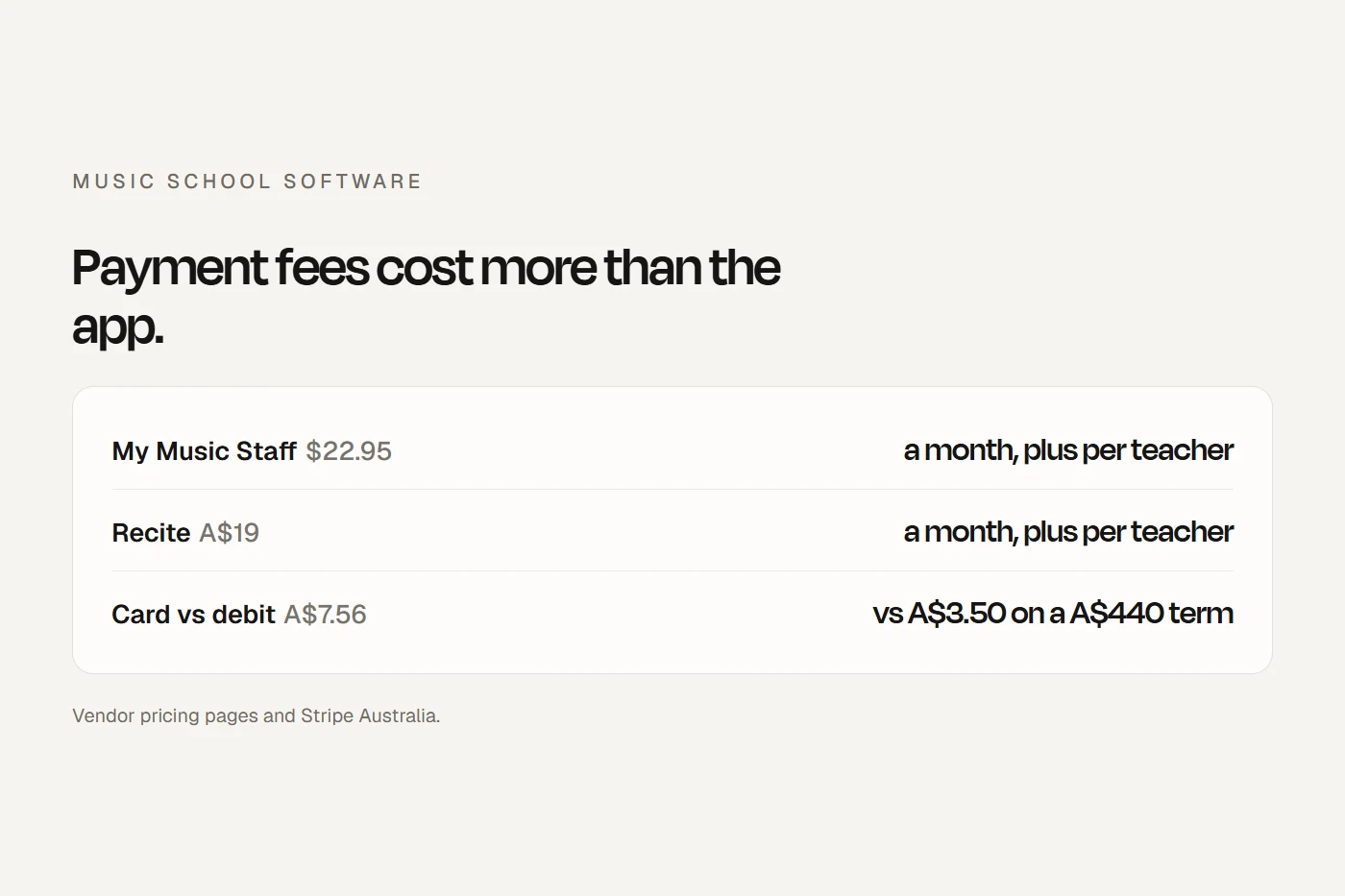
For a solo teacher, the subscription is small and the payment method decides the real cost. Stripe's Australian bank direct debit fee is capped at A$3.50, so the bigger the invoice, the more it saves. A A$440 term invoice costs A$7.56 by card and A$3.50 by direct debit. Per-teacher tools stay cheap as you add students and get dearer as you hire. Tools that take a percentage of every payment overtake any subscription well before a school reaches a few hundred students.
Terms, make-ups and fees
Australian music schools bill by the school term. North American tools say "semester" or "monthly"; they can bill a 10-week term, but you have to set the term dates, public holidays and breaks yourself. OneBookPlus, Opus1, Class Manager, Cadenza, Outcoach and Udio say "term" on their own pages.
Make-up lessons are where the software and the law meet. Almost every tool can issue make-up credits automatically: My Music Staff lets families create them from cancellations, Cadenza lets you "choose the notice window that earns a make-up credit", and Opus1 adjusts billing as credits are used. The software enforces whatever policy you type in. The law cares whether that policy is fair. A one-sided term in a standard enrolment form can be an unfair contract term. The usual music teacher association conditions charge for missed lessons and carry forward lessons the teacher cancels. That mirror is the safe pattern.
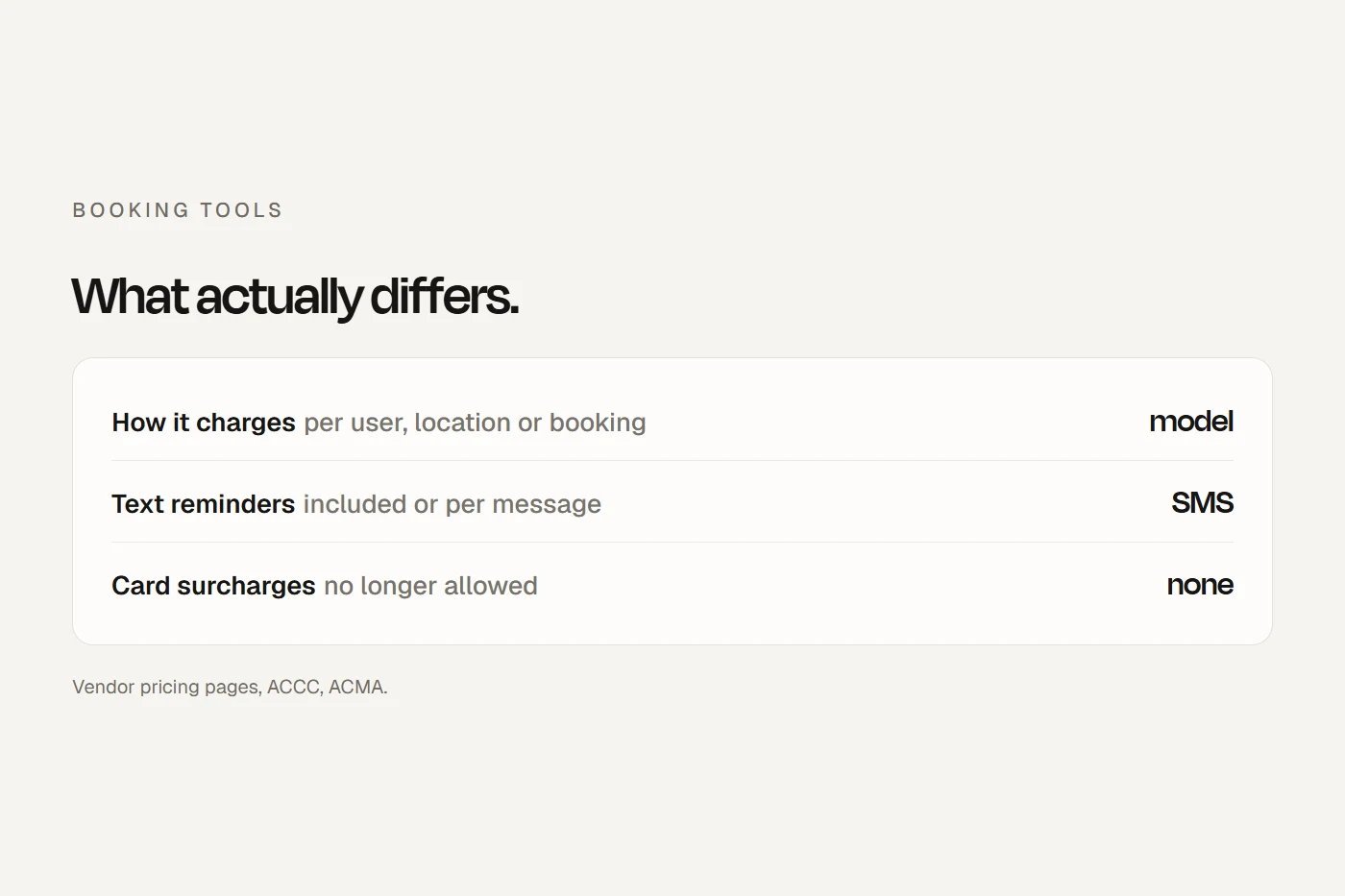
- Card surcharges are banned. You can't add a fee for paying by Visa, Mastercard, Amex or eftpos, and the ACCC says calling it another kind of fee may be misleading. Turn off any "pass on fees" setting.
- Watch for fees charged to families. Duet adds a 1% fee to every digital payment a family makes through its statements, and they can't pay without it. If you use it, that fee belongs in your advertised price.
- Show the full term price. The ACCC's rule is a single total price as the main figure, with any per-lesson price no more prominent.
- Rolling enrolments that automatically bill the next term look like a subscription. Ask families to confirm, or make cancelling as easy as enrolling.
What none of them does for you
- AMEB exams. No tool connects to AMEB. You enrol students in AMEB's own system; the best software lets you bill the entry fee and keep the result on the student's record. OneBookPlus, Class Manager and Outcoach mention exam fees or results.
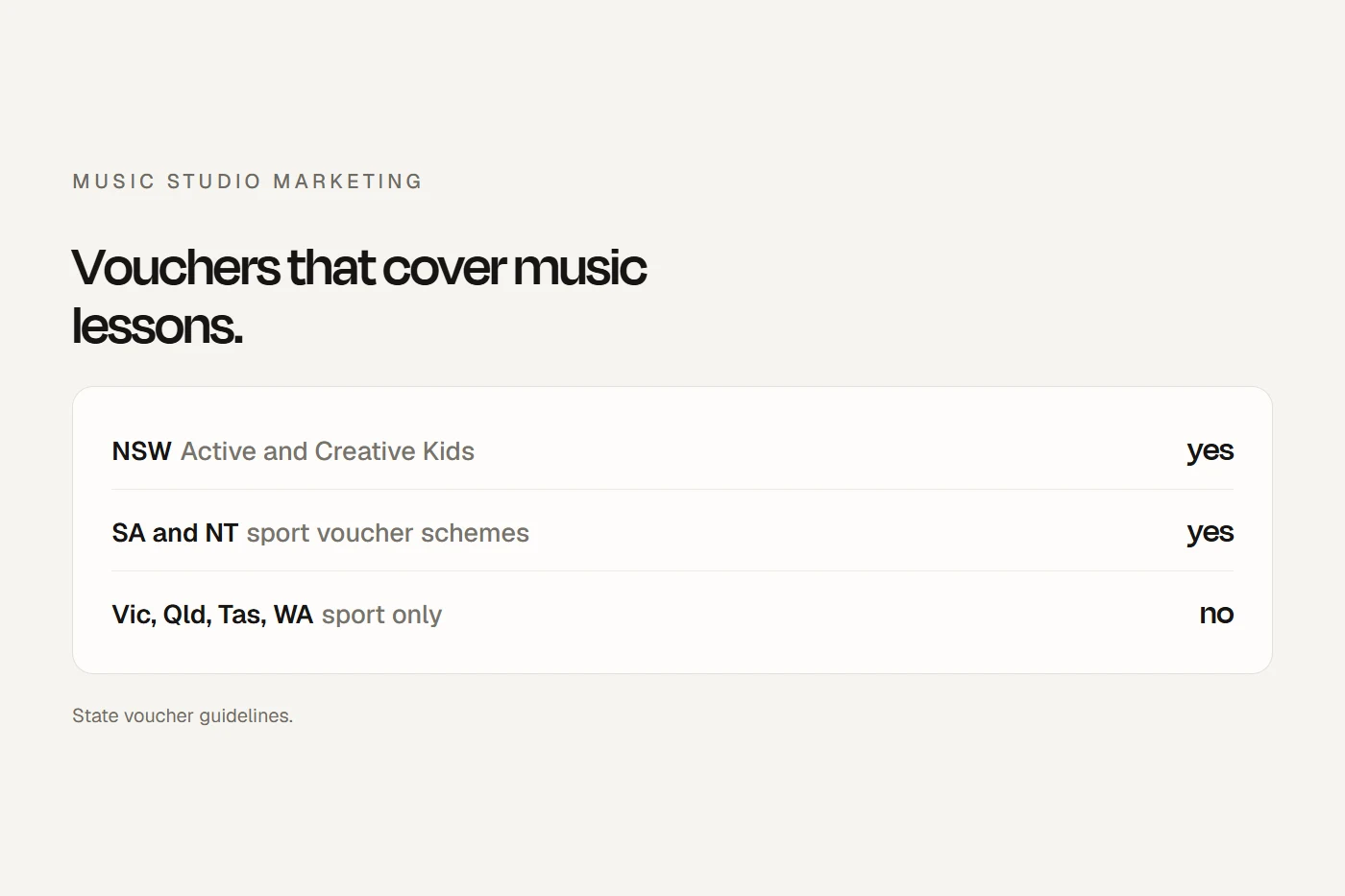
- NSW Active and Creative Kids vouchers. Music and singing lessons are eligible, in person. The voucher is redeemed in the Service NSW app, not in your software, and it can't pay for exam fees. Only Enrolmy sells a voucher add-on. Elsewhere, record the voucher as a part-payment on the term invoice.
- Payroll. My Music Staff, Opus1, Teachworks and Cadenza calculate teacher pay. None says it's Single Touch Payroll software. Employers still report through payroll software and pay super with each pay run. An ABN doesn't settle whether a teacher is a contractor: someone paid mainly for their own labour can still be owed super.
- Working with children checks. None of the music tools records check numbers or expiry dates. Use a custom staff field with a reminder.
- Recording lessons. Zoom links are common. Recording needs written consent, and in NSW, SA and WA the law expects everyone in the conversation to agree. Copyright music adds the publisher's permission if a recording is shared.
Where children's data goes
Most of these tools keep data overseas. My Music Staff says Canada, the US and elsewhere; MakeMusic Studio says the US; Duet says US-based AWS hosting. Duet's privacy policy goes further, saying it treats you entering data as evidence you have parents' permission for the overseas transfer. Only OneBookPlus says Sydney. Outcoach and Cadenza are Australian companies whose providers store data in other countries too. Whichever you pick, name the software and the countries in your privacy policy.
Can I do this?
Tap each card for the answer and why.
If you switch
Your ticks save in this browser.
- Export everything first: students, families, teachers, lesson history, notes, make-up credits and balances.
- Check notice and refunds on the old tool before you cancel.
- Enter term dates, public holidays and breaks before you generate any term invoice.
- Rebuild your make-up rules exactly as your written terms say, and show them before enrolment.
- Turn off any "pass on fees" setting, and check whether the tool charges families anything.
- Plan the direct debit move: a new payment processor usually means families sign a new authority.
- Set GST and your ABN on invoices if you're registered.
- Add teachers' working with children check numbers and expiry with reminders.
- Connect teacher pay to your payroll software and pay super with each pay run.
- Update your privacy policy with the new tool and where it keeps data.
- Move photo and recording consents with their dates.
- Replace the old portal and booking links on your website and Google Business Profile in one go.
My view
For a solo teacher, pick the tool whose portal and make-up rules suit you, and spend your attention on getting families onto bank direct debit, because that's where the money goes. For a school with several teachers, run the calculator on your real numbers, ask every shortlisted vendor in writing whether they take Australian direct debit and where they keep data, and trial the Australian-built options alongside the big names. Then put the enrolment link front and centre on your website, because that's where new families decide.
Questions I get asked
What's the best software for a music teacher in Australia?
For a solo teacher, My Music Staff is the most reviewed, and Recite, Cadenza and OneBookPlus are smaller Australian options priced in Australian dollars. The right one depends on your make-up rules and how families pay.
Does any music school software connect to AMEB?
No. You enrol students in AMEB's own system. Some tools let you bill the exam fee and record the result.
Can I pass card fees on to families?
No. Card surcharges on Visa, Mastercard, Amex and eftpos are banned. Build payment costs into your fees, or offer a discount for paying by bank.
Which music software takes Australian direct debit?
Teachworks supports Australian bank direct debit through Stripe, and Udio says direct debit is included. My Music Staff lists US and UK bank payments only. Ask any other vendor in writing.
Can NSW Active and Creative Kids vouchers pay for music lessons?
Yes, for in-person music and singing lessons from a registered provider. They can't pay for exam fees or instruments.
About this guide
Written by Joseph Alzein, founder of bdog. bdog builds music school websites and has no relationship with any vendor here. Prices and features were read from each vendor's own pages, in the currency each shows Australian visitors; payment rates from Stripe Australia; the rules from the ACCC, Fair Work, NSW Government and AMEB. Sources were checked on 13 October 2026. Prices change, so check before you sign. This is general information, not legal or tax advice.
Main sources: