Tutoring business software, compared
How each tool charges, which price in Australian dollars, which take direct debit or work with Xero, where your data goes, and the Australian rules on surcharges, reminders, recording online lessons and Working with Children Check records. With a cost calculator, a shortlist quiz, a sorter and a setup checklist.
On This Page
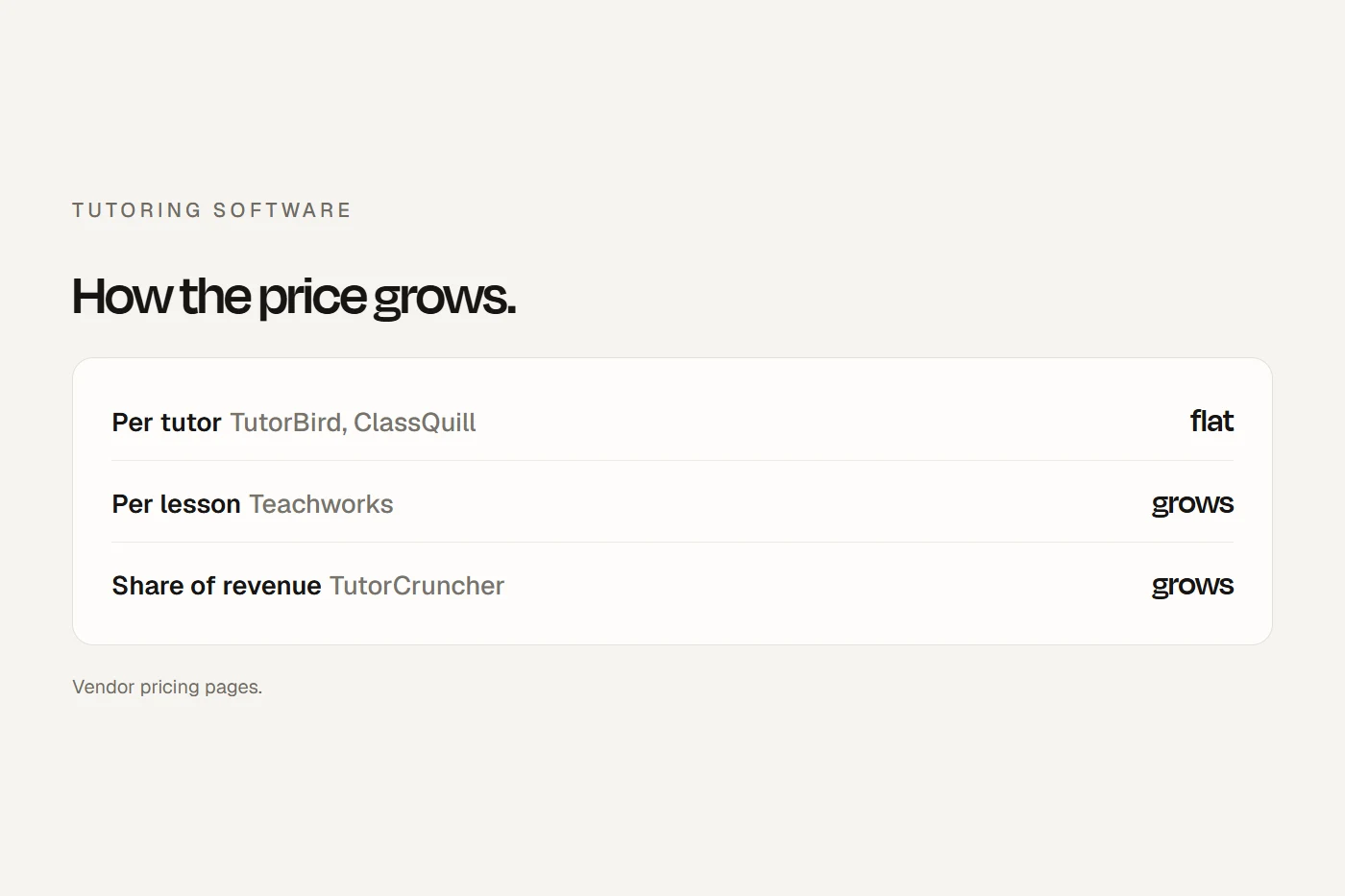
Most tutoring software is built overseas and priced in US dollars, and each product charges in a different way: per tutor, per lesson, per session, per active student, or a cut of your revenue. That makes the cheapest option for a solo tutor the dearest for a centre, and the other way round. This guide is for Australian tutors and small tutoring centres choosing software for bookings, invoices, payments, parent communication and lesson notes. It compares the main tools on what actually differs, with a calculator, and covers the Australian rules the software has to fit: card surcharges, reminders, children's data, recording online lessons and Working with Children Check records. Prices are from each vendor's own page, read on 12 October 2026, in the currency each shows. I never convert them. Prices change, so check before you sign up.
- Match the pricing model to your sizePer-lesson and revenue-share prices grow with every lesson you teach; per-tutor prices don't. Run your numbers below.
- Check currency, direct debit and XeroMost tools price in US dollars or don't say, few document Australian direct debit, and the two most popular don't list Xero.
- Keep online lessons safe and consentedLessons in the platform's own room, chats parents can see, and recording only with written consent.
The tools, compared
| Tool | How it charges | Published price | Currency | Bank direct debit | Accounting |
|---|---|---|---|---|---|
| Teachworks (Canada) | Monthly base plus per student lesson | From $16.49 a month plus 32 cents a student lesson | USD | Yes, through Stripe (BECS) | QuickBooks Online; Xero not listed |
| TutorBird (Canada) | Per tutor or staff seat | $22.95 a month plus $5.95 per extra tutor, as shown to Australian visitors | Not labelled | Not mentioned | QuickBooks Online; Xero not listed |
| TutorCruncher (UK) | Base fee plus a share of client payments | A$45 a month plus 1%, or A$110 plus 0.65% | AUD, excluding tax | GoCardless | Exports to Xero |
| Oases Online (US) | Tiers by active students | From $99 a month for up to 25 students | Not stated (US company) | Not found | Not listed |
| Wise (India) | Per session or per seat | A$1 a session, or A$35 a seat | AUD | Not found | Not listed |
| ClassQuill (Australian, new) | Per tutor | A$30 a month plus A$9 per extra tutor | AUD | Card, plus PayID and bank details on invoices | Xero "soon" |
| Enrolmy (NZ, with an Australian company) | Tiers by active attendees | From A$179 a month | AUD including GST | Not stated | Xero add-on |
| Lessonspace | Online lesson hours | From $9 a month for 10 hours | USD | n/a (no invoicing) | n/a |
Scroll the table sideways to see every column.
A few notes the table can't hold:
- Teachworks counts each student in each lesson ("a lesson with 2 students is two student lessons"), excluding cancellations, and bills after the month ends. It has unlimited teachers and students, parent and student logins, lesson notes emailed to parents, website booking and enquiry forms, and invoices in Australian dollars with GST. It's the only tool I found that documents Australian bank direct debit through Stripe, which needs your account set to Australian dollars and extra identity checks.
- TutorBird shows Australian visitors a higher price than US visitors, without a currency label, so confirm at checkout. Everything is included, SMS reminders too, with a 30-day trial and a 90-day money-back guarantee. Its portal can collect reviews and publish them to your site; publishing only the good ones risks misleading people.
- TutorCruncher is built for agencies that match tutors to families and pay tutors. Its revenue share makes it dearer than seat pricing for a solo tutor, and the higher plan only pays off above about A$18,600 of revenue a month.
- Lessonspace is an online classroom with a whiteboard, recordings and lesson summaries, not a business system. It plugs into Teachworks, TutorBird, TutorCruncher and Wise, and charges only when two or more people are connected.
- ClassQuill is the only tutoring-specific product I could confirm is Australian-built. Its company has only been registered since early 2026, so it's very new: trial it properly. It mentions term bookings, GST tax invoices with your ABN, Australian Curriculum content and Working with Children Check onboarding.
- Enrolmy suits a centre selling terms of group classes or holiday programs, and is the only tool I found with an NSW Active and Creative Kids voucher integration.
- A solo tutor with a handful of families can manage with a general booking tool such as Square Appointments or Acuity plus Xero. They handle bookings and reminders well, but not term invoicing, family accounts or lesson notes. My guide to online booking systems compares them.
What it would cost you
Each figure is in the vendor's own currency, so don't add them across tools. Payment fees are at Stripe's Australian rates, assuming one invoice per family a month.
Try five tutors and 120 students: the per-lesson and revenue-share tools climb fast, while the seat-priced tools barely move. And on a monthly invoice, Stripe's direct debit (1% plus 30 cents, capped at A$3.50) costs noticeably less than cards (1.65% plus 30 cents).
The Australian rules the software has to fit
No card surcharges
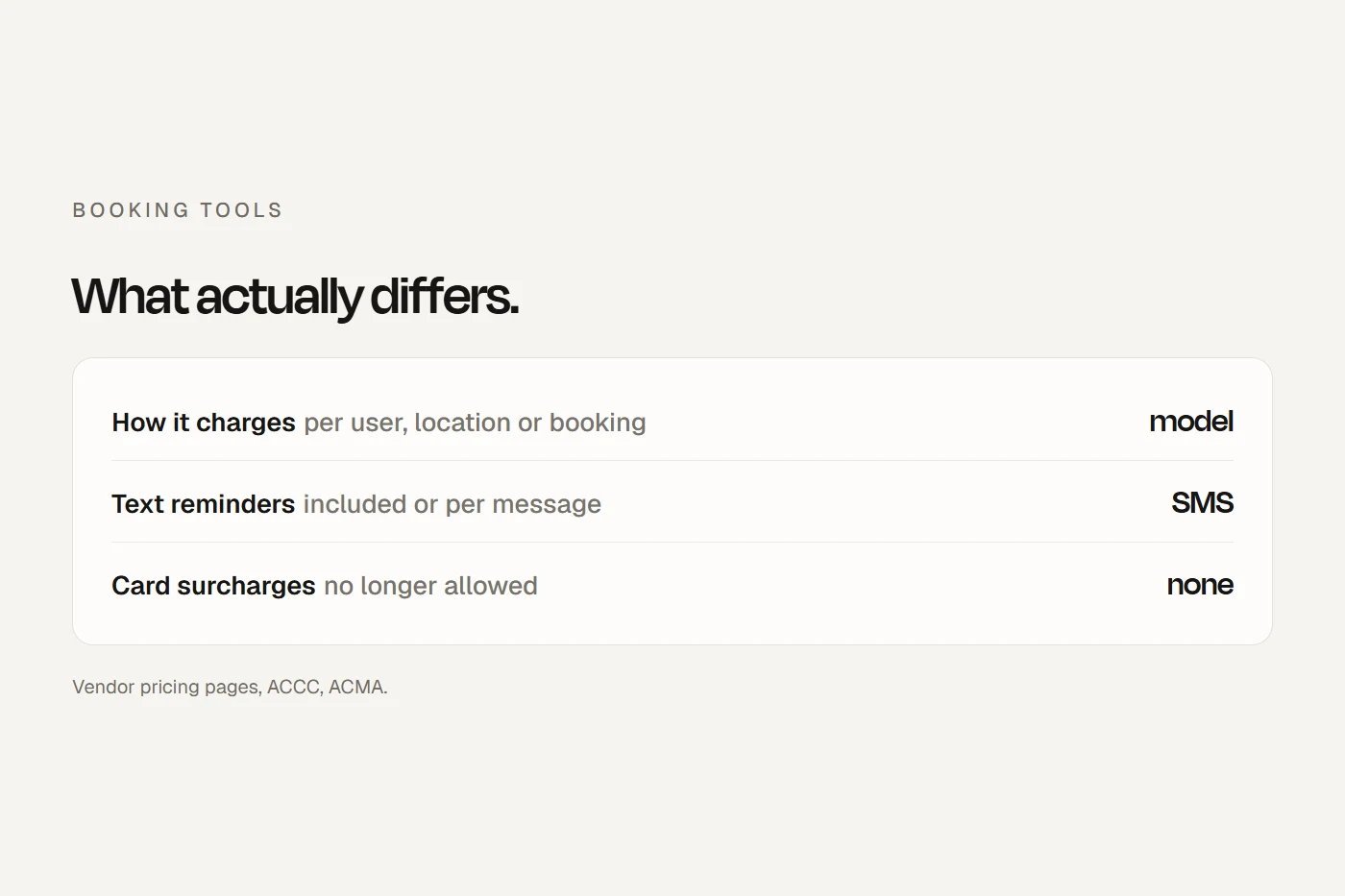
Card surcharges are now banned on Visa, Mastercard, eftpos and Amex, and calling one a fee by another name may be misleading. Square's Australian page still lists a surcharging feature, and revenue-share platforms charge you a percentage: adding it only to card payers' invoices would be a surcharge in disguise. Turn those settings off, and offer a discount for direct debit or PayID instead if you like.
Reminders and marketing
A factual lesson reminder or invoice doesn't need consent under the Spam Act, but it must identify you. Add "enrol for next term and save" and it becomes marketing, which needs consent and a working unsubscribe. Teachworks itself separates "transactional" emails from "bulk" marketing ones. If texts go out under your business name, ask whether the sender ID is registered with the ACMA, or they'll show as "Unverified".
Children's data
No tutoring product I found states that it stores data in Australia. Teachworks is Canadian and doesn't say where it hosts; TutorBird and My Music Staff process data in Canada, the US and elsewhere; TutorCruncher hosts in the EU with some US sub-processors; Lessonspace keeps account data in the UK. Most small tutoring businesses fall under the Privacy Act's small business threshold, but either way, name your software and the countries it stores data in on your privacy policy, and collect only what you need about each child.
Online lessons and child safety
Victoria's Child Safe Standards require organisations to identify and reduce risks "in the online and physical environments", and Queensland's standards cover online environments too. Tutoring businesses are covered in Victoria, Queensland, SA, Tasmania and the ACT. In practice: run lessons in the platform's own room rather than a personal account, keep tutor-student messages in a portal parents can see rather than on personal phones or social media, and log every online session.
Recording lessons
Recording a conversation you're part of needs everyone's consent in NSW, SA and WA, with narrow exceptions. Victoria's law is different, but consent from the parent covers you everywhere. Lessonspace makes the business confirm it has consent before recording is switched on. So leave recording off by default, get the parent's written consent first, tell the student, and say who can watch it and when you delete it.
Working with Children Check records
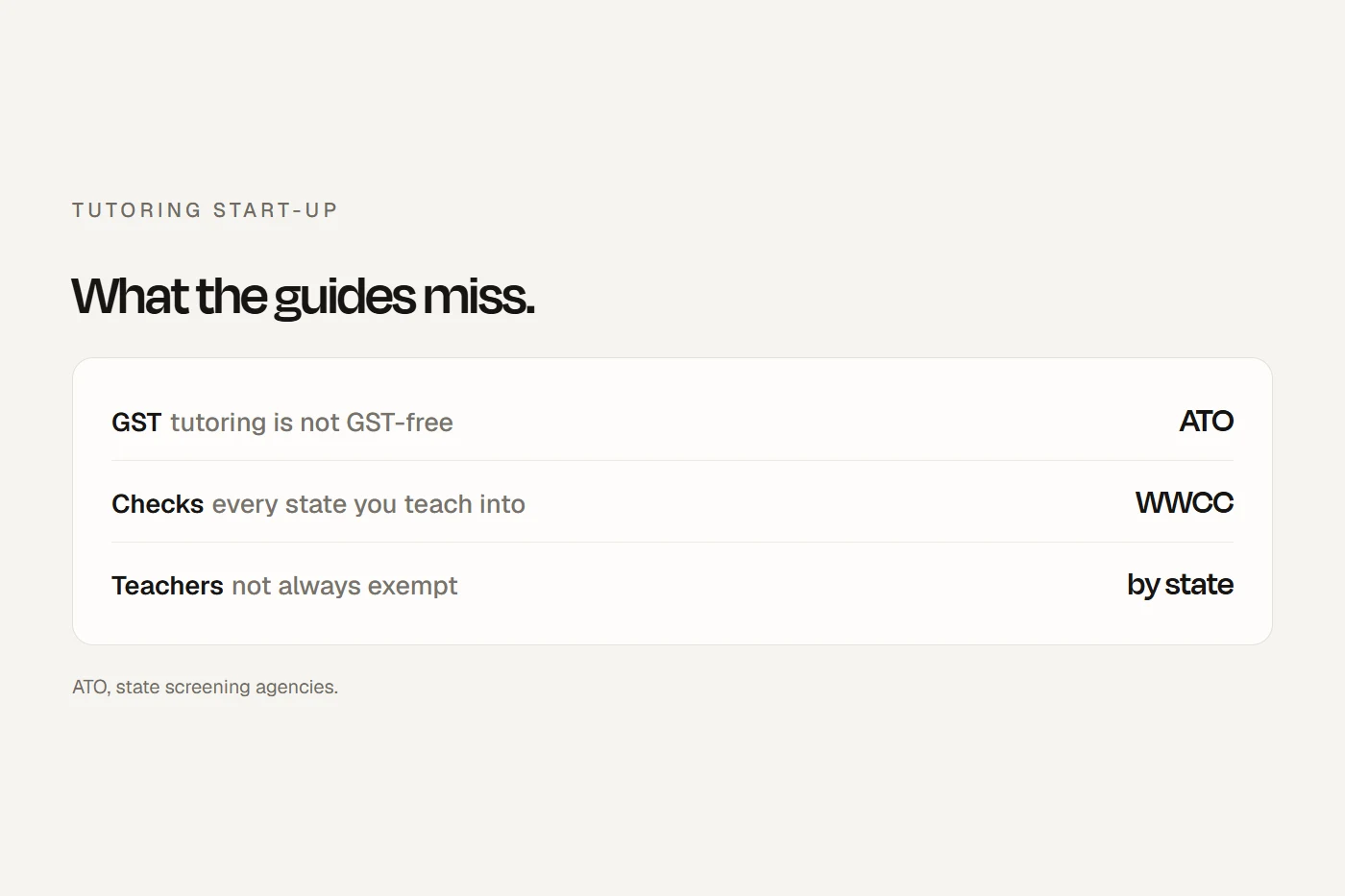
In NSW, employers in child-related work, including a sole trader who employs people, must keep each worker's full name, date of birth, check number, verification date, outcome and expiry date. A solo NSW tutor gives families their check number, surname and date of birth so they can verify it. Queensland requires an employee register and linking every worker before they start: "No Card. No Link. No Start." WA's card lasts three years. Few tools have a field for this, so add one and set expiry reminders. My guide to starting a tutoring business covers which check you need in each state.
Terms and cancellations
Set the software's cancellation, make-up and late-fee rules to match the terms families saw before enrolling, and mirror them when you cancel. Automatic renewals are an ACCC enforcement priority, and the Australian Tutoring Association's code says contracts shouldn't generally roll over by default.
NSW Active and Creative Kids
Academic tutoring isn't eligible, but coding, creative writing, languages, music, public speaking and robotics are listed creative activities. Vouchers are redeemed through Service NSW, not your software; record each voucher as a part payment on the invoice.
Which should you shortlist?
Can I do this?
Tap a card to see the verdict.
Setting it up
Your ticks save in this browser.
- Run the calculator on your real numbers, in each vendor's currency.
- Set the account to Australian dollars, and turn on GST only if you're registered.
- Connect Stripe, and turn on direct debit if it's offered and families want it.
- Turn off any surcharge setting.
- Load your written terms: price, term total, cancellation notice, make-ups and refunds, with no automatic rollover.
- Keep reminders and invoices factual, and send promotions only to families who opted in.
- Check your SMS sender name is registered.
- Name the software and where it stores data in your privacy policy.
- Add tutors' check numbers, verification and expiry dates, and set reminders.
- Run online lessons in the platform's room, with chats parents can see and recording off.
- Connect your accounting, and check Xero Ignite's 20-invoice limit if you use it.
- Put the booking or enquiry form on your website, and test it on a phone.
- Book a test lesson as a parent: enrolment, reminder, invoice, payment and lesson note.
My view
For a solo tutor, a per-tutor tool like TutorBird or ClassQuill, or a booking tool plus Xero, keeps costs flat as you grow. A centre should price the per-lesson and revenue-share options at its real volume before signing. Whatever you choose, check the currency, whether families can pay by direct debit, and where the data lives, and keep online lessons inside the platform where parents can see what happens.
Questions I get asked
What is the best software for a tutoring business in Australia?
It depends on your size. Per-tutor tools such as TutorBird and ClassQuill suit solo tutors and small teams; TutorCruncher suits agencies; Teachworks charges per lesson and documents Australian direct debit.
Is there Australian tutoring software?
ClassQuill is the only tutoring-specific product I could confirm is Australian-built, and it's new. Enrolmy, for term classes, has an Australian company. No tutoring tool I found states Australian data hosting.
Can I record online tutoring lessons?
Only with consent. In NSW, SA and WA everyone in the conversation must agree, with narrow exceptions. Get the parent's written consent first and say who can watch and when it's deleted.
Does tutoring software work with Xero?
Some does. Enrolmy has a Xero add-on and TutorCruncher exports to Xero. Teachworks and TutorBird list QuickBooks Online, not Xero.
Can I charge a card surcharge for tutoring?
No. Card surcharges are now banned on Visa, Mastercard, eftpos and Amex. You can offer a discount for direct debit or PayID.
About this guide
Written by Joseph Alzein, founder of bdog. bdog builds websites for tutors and has no arrangement with any vendor named here. Prices and features come from each vendor's own pages, read on 12 October 2026, in the currency and tax basis each shows; prices change, so check before you sign up. The rules come from the ACCC, the Spam Act, the OAIC, state child safe standards and surveillance laws, the NSW Office of the Children's Guardian, Blue Card Services and Service NSW. This is general information, not legal advice.
Main sources: