How to verify your Google Business Profile in Australia
Every verification method Google uses and why you can’t choose, what to check before you start, a shot list for the video by type of business, what each warning means and what to do, how to get a profile back from an old agency or owner, and the scam calls to ignore. With a troubleshooting sorter and a verification day checklist.
On This Page
An unverified Google Business Profile doesn't show your details on Maps and Search, and Google decides how you verify, not you. This guide is for an Australian business owner stuck at verification: a video that was rejected, a postcard that never came, a phone code that can't get through, or a profile someone else already owns. It covers every method Google uses, exactly what to film for the video by type of business, what each warning means and what to do about it, and the scam calls that come with it. I set up Google Business Profiles for the clinics, firms and trades I build websites for. Everything here is from Google's own Business Profile Help, read in its Australian version.
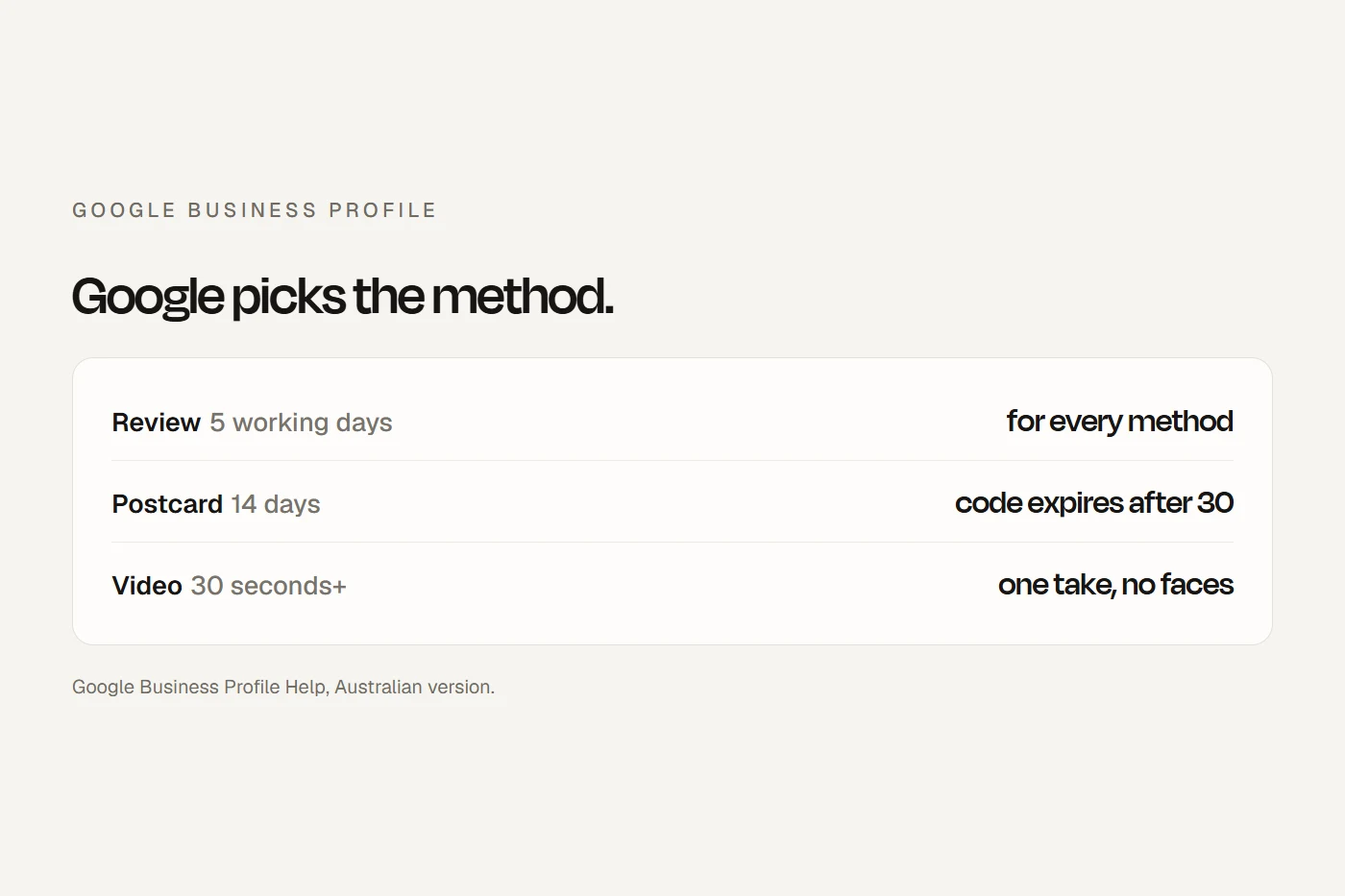
- You get the method Google offersGoogle says methods are "automatically determined by Google and can't be changed". Phone or text, email, live video call, postcard or a recorded video. If video is offered, Google recommends it.
- Allow five working daysReviews take "up to five working days". Postcards mostly arrive within 14 days, and the code expires after 30.
- It's free, and no ABN is neededGoogle doesn't charge to verify and never asks for your code. Anyone who calls asking for either isn't Google.
Before you start
Most failed verifications are set up to fail before anyone presses the button. Check these first:
- You're eligible. A business must "make in-person contact with customers during its stated hours", at your place or theirs. Online-only businesses can't be verified. PO boxes, virtual offices and co-working desks without your own sign and staff aren't eligible addresses.
- You've picked the right type. If customers come to you at an address with a permanent sign and staff during opening hours, you're a shopfront. If you go to them, or work from home, you're a service-area business, and you hide your address. Google: "If your business doesn't have permanent on-site signage, list it as a Service Area Business".
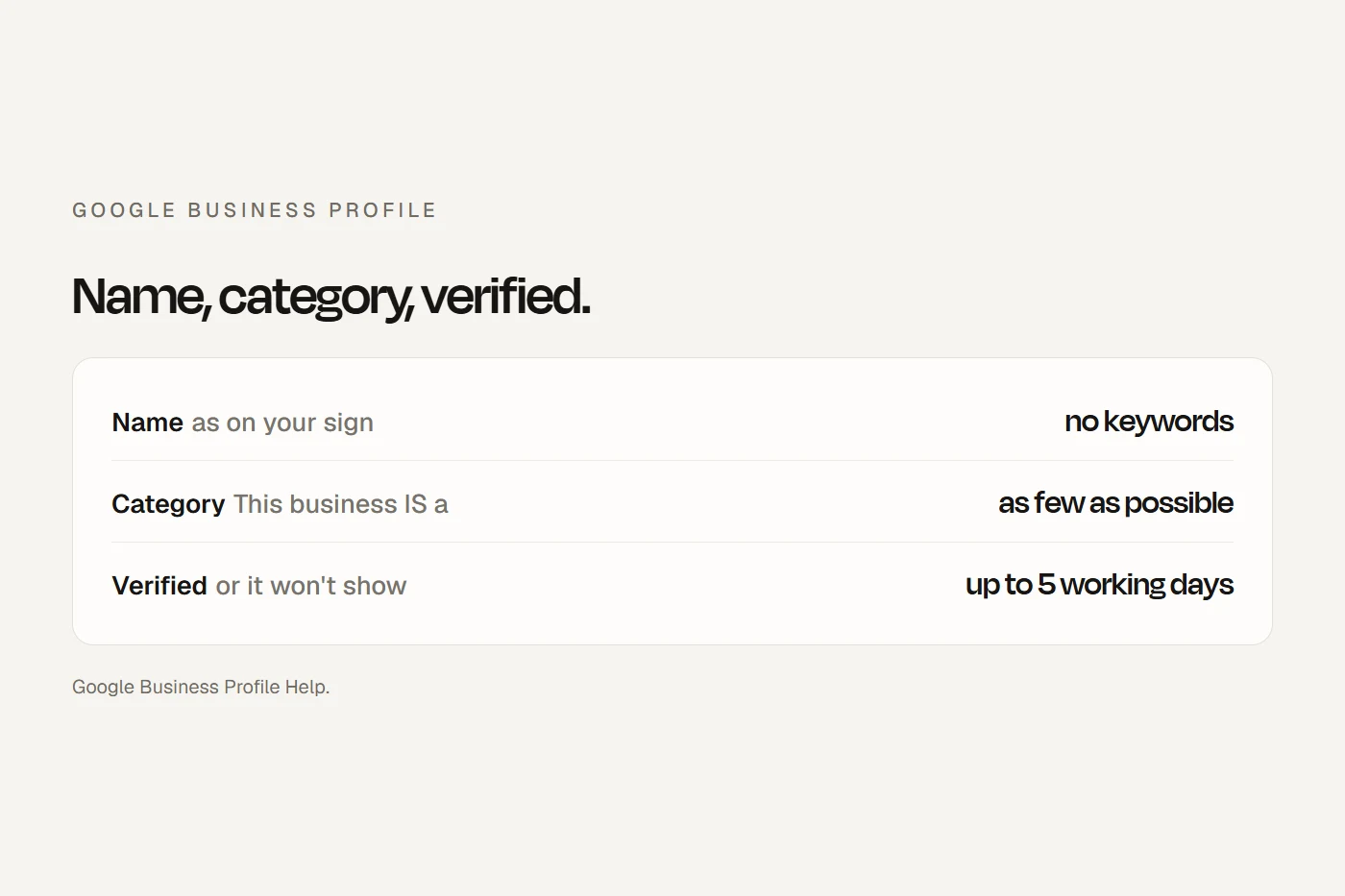
- Your name matches your sign. In a video, "the name shown in your video must match the name on your Business Profile". No suburb or keywords tacked on.
- Your opening hours are real. Live video calls "are only available within the opening hours of your location".
- Your phone is answered by a person. "Interactive voice response (IVR) systems won't get the code." A clinic or firm whose line goes to a phone menu won't receive it.
- Optionally, verify your website in Google Search Console first. Google says instant verification "can happen" when you have. It's not guaranteed.
Google doesn't ask for an ABN or any Australian document to verify. A business name certificate or a utility bill can help in a video, though.
The methods, in Google's words
| Method | What happens | What trips people up |
|---|---|---|
| Recorded video | One unedited take of at least 30 seconds, filmed live in the Business Profile on your phone | Sign not matching the profile name; no street shown; no proof you run it |
| Live video call | A text chat with support, then a video call where you show your location, business and proof you manage it | Only during your listed opening hours |
| Phone or text | A code by call or text to the profile's number | Phone menus and answering services can't receive it |
| Follow the steps in an email Google sends | Use an address you can actually open | |
| Postcard | A five-digit code by post; most arrive within 14 days | Editing the name, address or category, or requesting another card, voids the code |
| Instant | Can happen with Search Console or bulk verification | You can't choose it |
| Bulk | For 10 or more locations of the same business | Not for service-area businesses or agencies holding several businesses |
Scroll the table sideways to see every column.
Postcards are still on Google's Australian help page, but Google says they aren't "available for all businesses", and most owners I see are offered video instead. You can't ask for one. Google may also ask you to verify "with more than one method".
What to film for the video
Google's rules for every video: one continuous take, no edits, at least 30 seconds, filmed live through your Business Profile on a phone. It can't include "Sensitive info like bank account, tax or ID numbers", "Private info about you or others" or "Other people's faces". You can review it before you upload. Pick your type for a shot list.
Shopfront or clinic with a sign
- 1. The street
- Start outside: a street sign or building number, then the shops next door
- 2. Your sign
- The name on a permanent fixture, exactly as it is on your profile
- 3. Inside
- Walk in and show what you sell or the equipment you use
- 4. Proof you run it
- Unlock the door with your keys, open a staff-only room, or log in to the point of sale
- 5. Optional
- A licence or certificate on the wall, with the name visible and any numbers out of shot
Office in a shared building
- 1. The street
- The street and building number from outside
- 2. The directory
- The building's directory board showing your business and suite
- 3. Your door
- The sign on your office door, matching your profile name
- 4. Proof you run it
- Unlock the office and show the reception area
- Keep out of shot
- Client files, screens and anyone's face
Service-area business from home
- 1. Your neighbourhood
- Street signs and landmarks near your address. Google says to avoid "empty land or locations without clear markers"
- 2. Proof it exists
- Your tools, equipment, workspace, business cards or uniform
- 3. Proof you run it
- You doing the work, or an invoice, permit or utility bill in the business name
- Keep out of shot
- Bank, tax or ID numbers on any document
Mobile business with a vehicle
- 1. Where you're based
- Street signs and landmarks near your business address
- 2. Your vehicle
- The van's branding, then unlock it, which Google names as proof you run the business
- 3. Your gear
- Tools and equipment inside the van
- 4. Paperwork
- An invoice or licence in the business name, numbers covered
Clinic, childcare centre or studio
- When to film
- Before patients or children arrive, so no faces are in shot
- 1. Outside
- The street and your sign
- 2. Inside
- Reception and a treatment room or classroom you unlock with your keys
- Keep out of shot
- The appointment book, patient or student records, practice software screens, and anyone's face
Google's own examples of why a video failed: "Business name not visible on shop front", "No nearby area shown" and "Missing proof of authorisation to operate the business". If yours fails, the new video must include everything from the first one plus what was missing. An agency can't film it for you from elsewhere: Google says "An authorised representative must be at your business profile location".
What the warnings mean
Tap the one you're seeing.
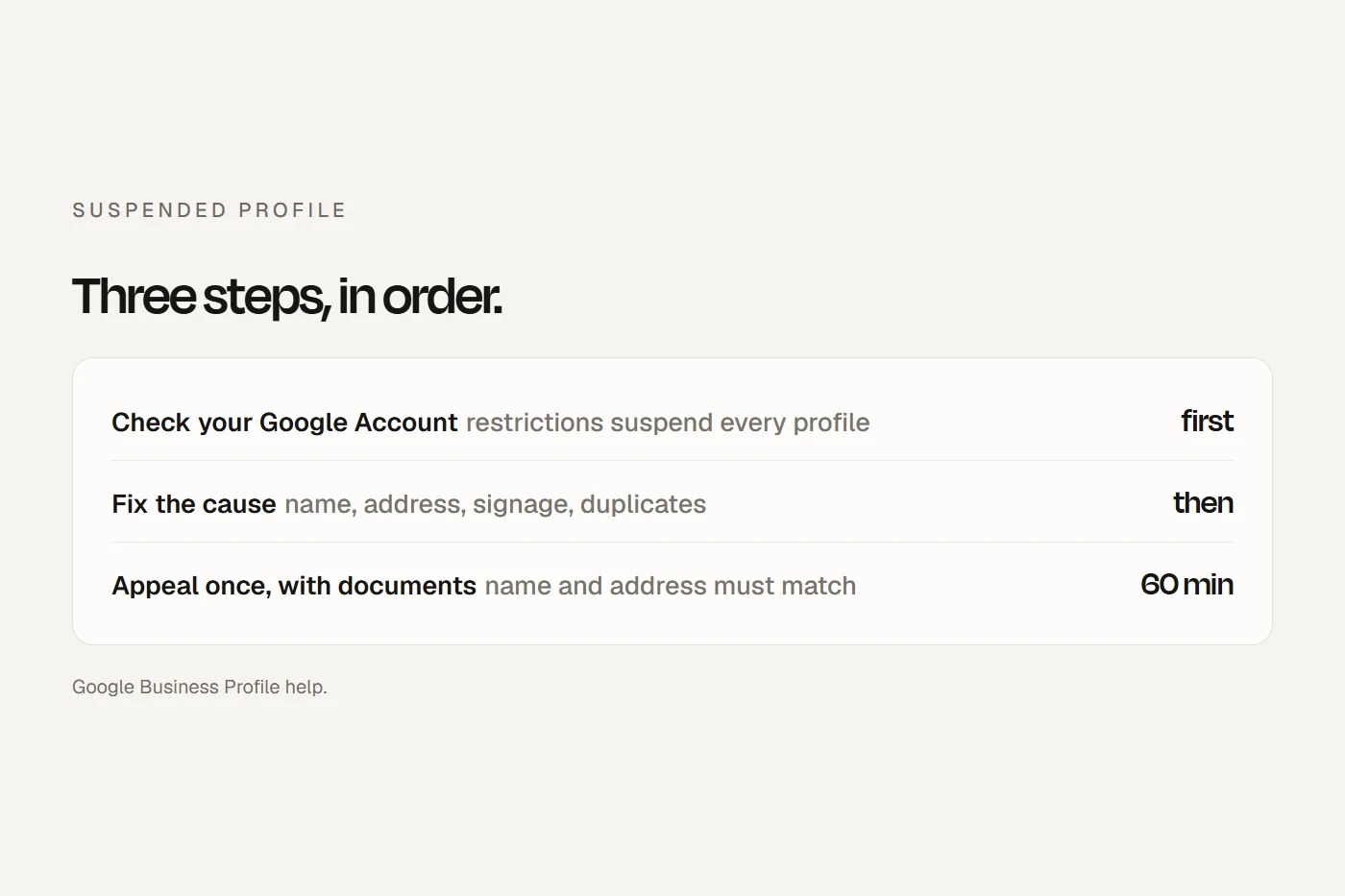
Whatever happens, don't create a second profile to get around it. Google allows "only one Business Profile for each business", and duplicates don't show. If your profile is suspended rather than unverified, my suspended profile guide covers the appeal.
When someone else owns it
An old agency, a former staff member or the previous owner of the business may have verified it first. Go to business.google.com/add, find the business and select Request access. The current owner "has three days to respond". If they don't, "you may have the option to claim the profile", though that "isn't always available". Service-area businesses contact Google support instead and choose to transfer ownership.
Once you're in, new owners and managers wait seven days before they can delete the profile, remove users or transfer primary ownership. Then make yourself the primary owner and add your agency or staff as managers. Google says agencies should never own a client's profile and must hand it back on request. And answer any ownership request that lands in your inbox: ignoring one is how profiles get taken over.
After you're verified
- Edit carefully. Changing your name or category "might" mean verifying again; moving "must". Make one identity change at a time.
- Expect a wait to show up. Edits usually take minutes but can take up to 30 days to review, and new businesses can take up to a month to appear in results.
- Stay active. Google can remove your ownership if you don't sign in or answer its emails.
Scam calls about verification
Google says it "doesn't charge for this service", "will never ask for your verification code" and will never try to make you pay to have a profile verified or reinstated. If someone calls saying they're from Google, Google's advice is to hang up and not press any buttons. Scamwatch's advice is the same: hang up and check through your own account. A real automated call from Google to confirm your hours does happen, but it never asks for money or a code.
Verification day checklist
Your ticks save in this browser.
- The business is eligible and the address is real, not a PO box or virtual office.
- The sign shows your exact profile name, or you're set up as service-area with the address hidden.
- Opening hours match when you're there.
- The profile phone is answered by a person.
- You're signed in on your phone with the Google Account that owns the profile.
- Location, camera and microphone are allowed for the app.
- Your shot list is planned, with faces, records and numbers out of shot.
- No name, address or category edits until you're verified.
- Your website is verified in Search Console (optional).
- The code stays private.
- Afterwards, you're primary owner and your agency and staff are managers.
My view
Most stuck verifications I see come from three things: a profile name that doesn't match the sign, a phone line that goes to a menu, or a home business listed as a shopfront. Fix those before you start, plan the video as a single walk from the street to something only you can unlock, and allow a week. If Google runs out of methods, go through the verification status tool and ask for a live video call. Once you're verified, link your profile to a website that says exactly the same name, address and hours, so Google sees a business that matches everywhere.
Questions I get asked
How do I verify my Google Business Profile?
Open your profile, select Get verified and use the method Google shows: phone or text, email, live video call, postcard or a recorded video. Google picks the method, and video is its recommendation when offered.
How long does Google Business Profile verification take?
Reviews take up to five working days. Postcards usually arrive within 14 days, and their codes expire after 30.
Can I verify without a video?
Only if Google offers another method. You can't change the options Google shows you.
Does it cost anything to verify?
No. Google doesn't charge for verification, and anyone asking for payment or your code isn't Google.
Can I verify a business I run from home?
Yes, as a service-area business with your address hidden. For the video, film your neighbourhood, your tools and a document in the business name.
About this guide
Written by Joseph Alzein, founder of bdog. bdog builds websites for Australian small businesses and sets up their Google Business Profiles. The rules come from Google Business Profile Help in its Australian version, with Scamwatch for scams; troubleshooting tips are from Google's Product Experts where Google's pages say nothing. Sources were checked on 13 October 2026. Google changes these screens often. This is general information, not advice from Google.
Main sources: