How to get more Google reviews without breaking the rules
What works, what’s banned, how to set up the link and the requests, how to reply, and what to do about a fake or nasty review. With a sorter, a request message builder and a reviews-needed calculator.
On This Page
Most advice on getting more Google reviews comes from review software companies, much of it American, and some of it would get a business in trouble here. The rules come from two places: Google's own policy, which is stricter than most people realise, and the Australian Consumer Law, which the ACCC has used against businesses that filtered or faked reviews. This guide covers what works, what's banned, how to set up the link and the requests, how to reply, and what to do about a fake or nasty review. It's from Google's Business Profile and Maps policies, the ACCC's reviews guidance and its sweep of business reviews, the OAIC, the Spam Act and the uniform defamation law, read on 12 October 2026. It's general information, not legal advice. If you run a clinic or another health practice, read the health version instead, because Ahpra adds its own rules.
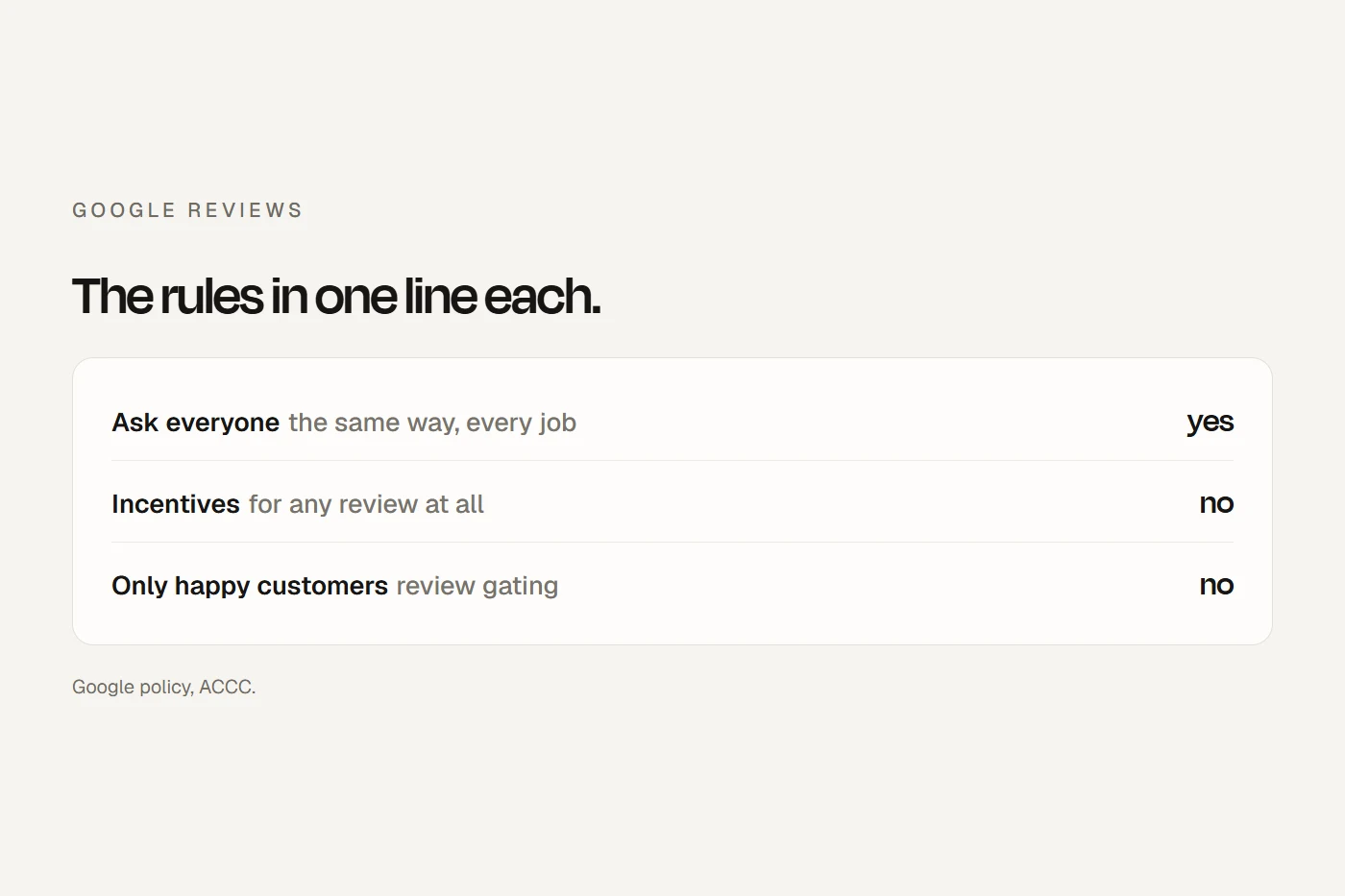
- Ask every customer, the same wayA link or QR code after every job, from Google's "Get more reviews" button. Asking is allowed; asking only happy customers isn't.
- Offer nothingGoogle bans incentives for any review, good or bad. No discounts, draws or freebies, and no staff targets.
- Reply to the complaint, not the personShort, signed replies, with no private details. Never threaten to sue a reviewer.
Why reviews matter, and why asking works
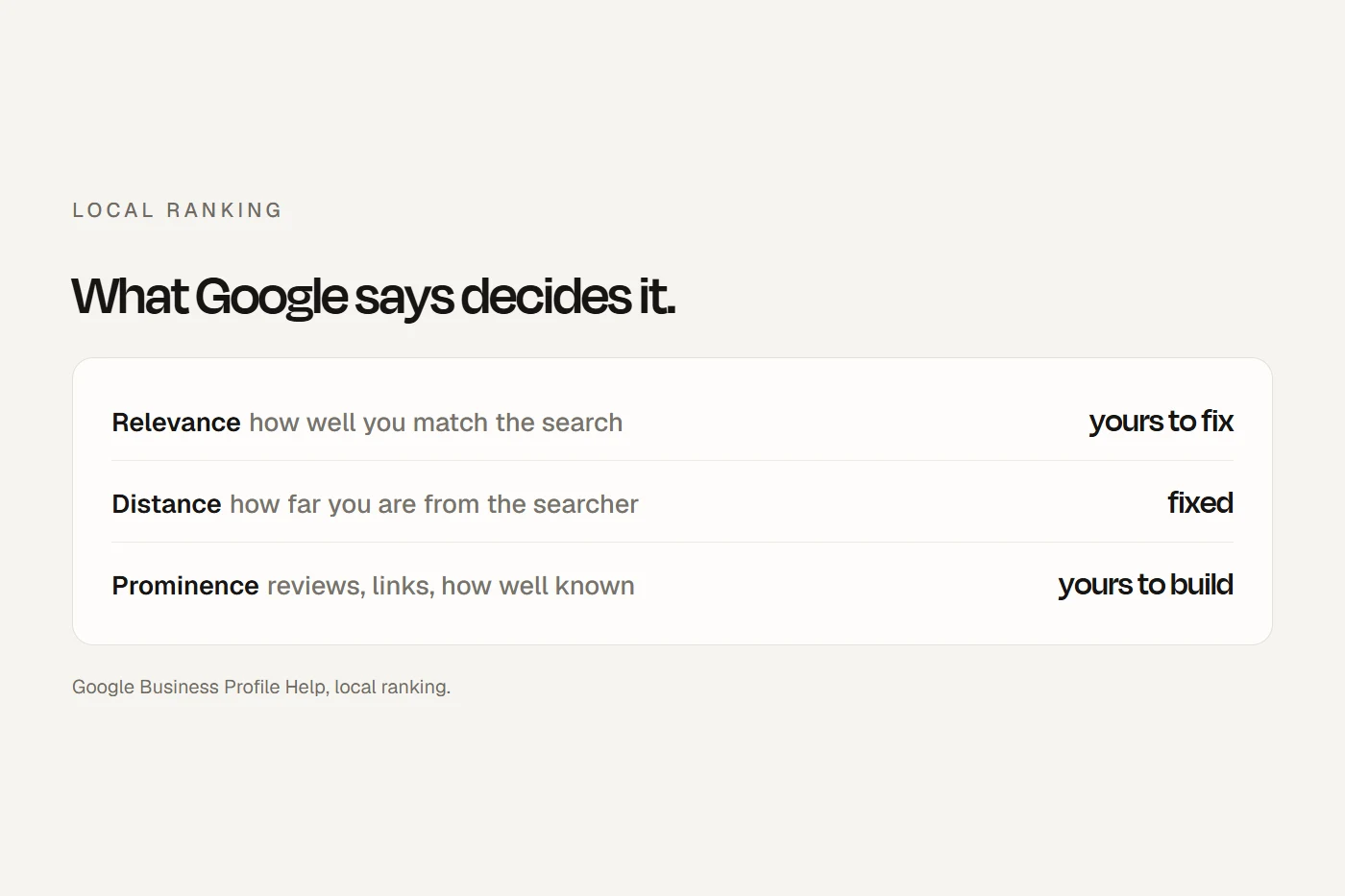
Google says more reviews and positive ratings "can help your business's local ranking", and that "A mix of positive and negative feedback often feels more trustworthy." Your score is the average of every rating, and can take up to two weeks to update. The best data on asking comes from a US survey by a review software company: most people who were asked to leave a review did. That's why the single biggest lever is asking everyone.
Get your review link and QR code
Google now gives you both directly. On a computer (QR codes can't be made on a phone):
- Go to your Business Profile.
- Select Read reviews, then Get more reviews.
- Select Copy to copy the link, or right-click the QR code and save the image.
Google suggests putting it on receipts, in thank-you emails, at the end of a chat, and on a printed QR code in your store. Short g.page names can no longer be created, so use the link Google gives you. Customers need a Google account to leave a review, but it doesn't have to be Gmail. Keep your profile's services list complete too: reviewers of service businesses may be asked which job was done, from that list.
What's banned
Google's policy for merchants says you can ask customers to review you, "without offering incentives to do so or attempting to influence the rating or the contents of the review". It then bans:
- Incentives of any kind for a review, or for changing or removing a negative one: payment, discounts, free goods or services. The consumer law would allow a disclosed incentive that applies whatever the rating on some platforms, but Google is stricter, so for Google, offer nothing.
- Review gating: you can't "selectively solicit positive reviews". A "How did we do?" screen that sends happy customers to Google and unhappy ones to a private form is exactly what the ACCC said can "distort the overall impression" of a business.
- Pressure on the premises. Don't "require or pressure users to leave ratings or write reviews while on the premises". A QR sign is fine; handing someone a tablet at the counter and waiting isn't.
- Asking for specific content, including asking customers to mention a staff member.
- Staff review targets. Google now names "Merchants requesting that staff solicit a certain number of reviews".
- Conflicts of interest: current or former staff, family, contractors and competitors shouldn't review you. The ACCC adds that reviews by family or employees mislead unless the connection is stated.
- Fake or bought reviews, and reviews posted from several accounts by one person.
Google can remove the reviews, stop your profile receiving new ones for a time, hide existing ones, and show customers a warning that fake reviews were removed. The ACCC has acted against a hotel group that broke the email addresses of guests it expected to complain so their review invitations never arrived, and a business that cut the critical half of a review video before posting it. Under the consumer law, if a review or testimonial you publish is challenged, it's on you to prove it's real.
Tap a card to see the verdict.
Asking: when and how
- The same point, every time: when the job is visibly done, the keys handed over, the invoice paid or the class finished.
- Automated is fine if every customer gets it. Check your booking, CRM or invoicing tool for settings called "filter", "funnel", "smart routing" or "promoters only", and turn them off.
- Texts and emails. The ACMA hasn't said whether a review request is a commercial message, and it warns that inferred consent "does not cover sending messages after someone has just bought something". The safe set-up is a tick-box at booking or quote acceptance covering follow-up messages including a review request, your business named in every message, and an opt-out. Never add a promotion to the request.
- Spread a backlog out. Google treats "unusual volumes or patterns" of reviews as possible manipulation, and may pause reviews on a sudden spike. Ask past customers in small batches over a few weeks, not in one blast.
Send it the same way to everyone. For "Reply STOP" to work, the text must come from a number that can receive replies, not a business name.
Replying to reviews
Google's advice: be nice and professional, keep it short, sign it with your name or initials, admit mistakes, and invite the reviewer to contact you to sort it out. "Never share the reviewer's private info." In one OAIC decision, a real estate agency that replied to a tenant's review with his name, job and finances was found to have interfered with his privacy and was ordered to apologise. Answer the complaint, not the person: no surnames, invoice amounts, addresses or job details they didn't post themselves. The ACCC says businesses that reply professionally are viewed more favourably, and that before removing or disputing a review as fake, you need a proper basis.
Fake, unfair and extortion reviews
- Report it. In your profile, select Read reviews, then Report next to the review, and choose the reason. Only reviews that break Google's policies are removed, evaluation takes several days, and you get one appeal. Don't report a review just because you disagree with it.
- Extortion. If a flood of 1-star reviews arrives with a demand for money to remove them, Google says don't engage or pay, gather the evidence, and use its merchant extortion report form.
- Don't threaten to sue. The ACCC lists threatening customers with defamation action unless they remove reviews as a sign of review manipulation. Under the uniform defamation law, a company with 10 or more employees can't sue for defamation at all, anyone who does sue must show serious harm, and most reviews are opinion. Get legal advice before any letter.
How many reviews to move your rating
Your Google score is the average of all ratings, so this works out how many new reviews you need.
The example numbers are made up; use your own. The response rate is the number to watch: it's what asking everyone improves.
Showing reviews on your website
Show the count with the rating ("4.8 stars, 63 reviews"), say where the reviews come from, link to your full Google profile, and if you show only some, say so. Don't edit them. The ACCC flagged a business whose website widget showed only 4-star-and-above reviews without saying so. Widgets built on Google's data must credit the author and link to the original, and marking up your own rating with schema won't earn stars in Google's search results.
Your first 30 days
Your ticks save in this browser.
- Days 1 to 3: get your review link and QR code on a computer.
- Days 1 to 3: complete your Business Profile's services list.
- Days 1 to 3: add a consent line for follow-up messages to your booking or quote form.
- Days 1 to 3: write one request template with no offer, star talk or staff names.
- Days 4 to 7: put the QR code on receipts, invoices and a counter sign.
- Days 4 to 7: turn on automatic requests for every job, and switch off any filter or funnel setting.
- Days 4 to 7: tell staff: no targets, no scripts, no tablets, no family or mates.
- Days 8 to 30: ask every customer the same way at the same point.
- Days 8 to 30: reply to new reviews within the week, short and signed.
- Days 8 to 30: ask past customers in small batches, not one blast.
- Days 8 to 30: check weekly for odd spikes, and report what breaks the rules.
- Day 30: if your website shows reviews, show the count and source and link to the full profile.
My view
There's no trick to Google reviews, and every shortcut is a rule. What works is boring: a link and QR code in front of every customer at the same moment, an automated request that goes to everyone, and short, decent replies. Do that for a few months and the reviews come, and they're the kind that survive Google's filters and mean something to the next customer.
Questions I get asked
How do I get more Google reviews for my business?
Ask every customer the same way after the job, with the link or QR code from your Business Profile's "Get more reviews" button, and reply to the reviews you get.
Can I offer a discount for a Google review?
No. Google bans incentives for any review, positive or negative.
Can I ask only happy customers for reviews?
No. Google bans selectively asking for positive reviews, and the ACCC says it can mislead.
How do I get my Google review link?
On a computer, open your Business Profile, select Read reviews, then Get more reviews, and copy the link or save the QR code.
Can I get a bad Google review removed?
Only if it breaks Google's policies. Report it from your profile, and reply calmly in the meantime.
About this guide
Written by Joseph Alzein, founder of bdog. bdog builds websites for small businesses. The rules come from Google's Business Profile help and Maps contribution policy, the ACCC's reviews guidance and internet sweep, the Australian Consumer Law, the OAIC, the ACMA and the NSW Defamation Act, read on 12 October 2026. This is general information, not legal advice.
Main sources: