How to add online bookings to your clinic website: every system, one page
bdog builds websites for clinics and wires them into whatever booking system the clinic already runs. We don’t sell any of the systems below and we don’t take referral fees from them.
On This Page
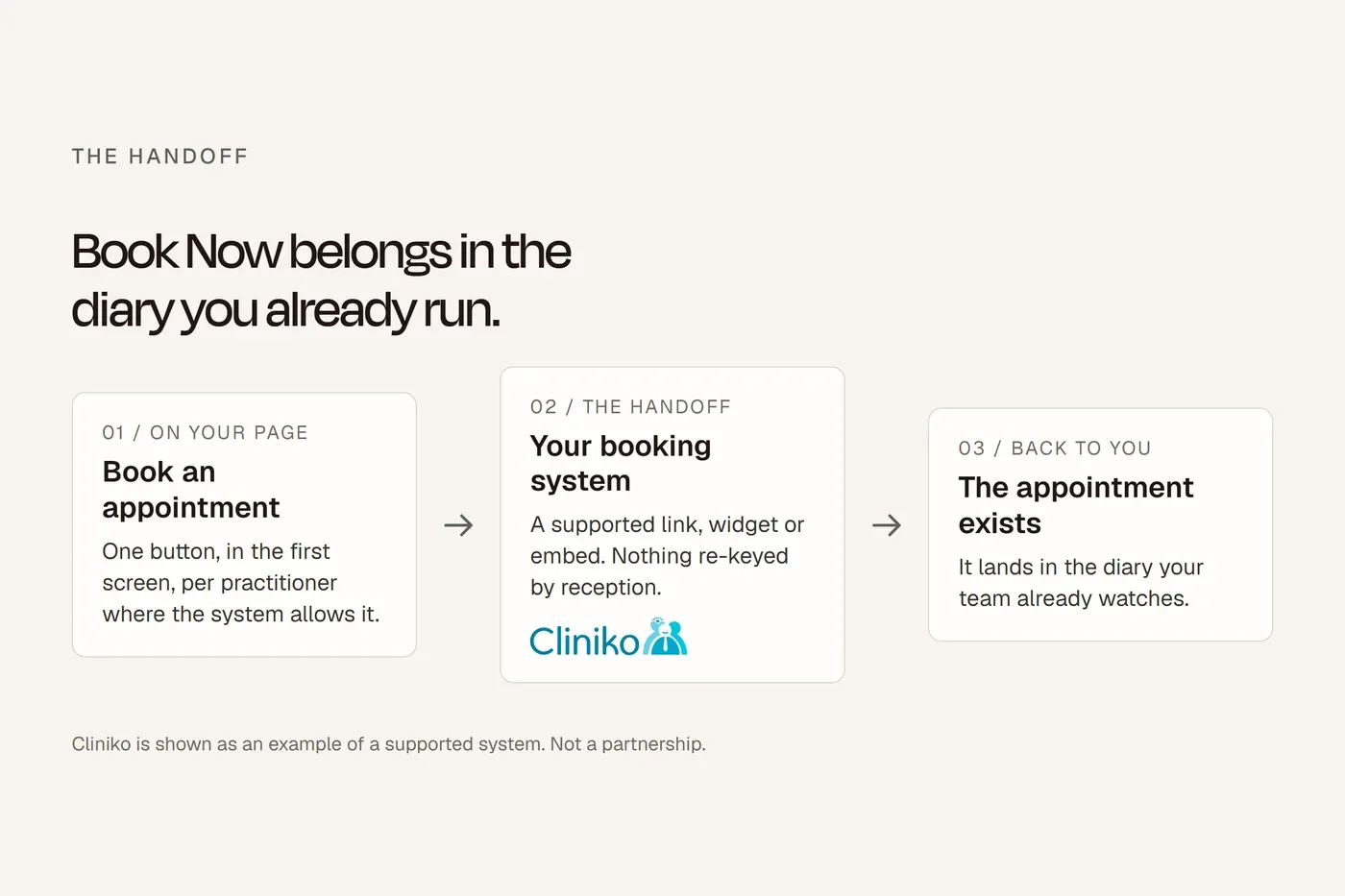
Every booking system has a way to connect to your website. Most have three. The one you pick decides whether patients stay on your site, whether you can see where bookings came from, and in some cases whether you pay a fee for the booking.
This is the whole picture: the three methods, which to use, and where the code lives in each of the sixteen systems we get asked about. If yours isn't here, the last section covers what to do.
First, the fee you might be paying for nothing
HotDoc, HealthEngine and Fresha all run a marketplace. Patients find you on their app or their website and book there. For that, they charge. HotDoc charges for new patients who book through hotdoc.com.au or the HotDoc app. HealthEngine's Patient Match charges a referral fee for each new patient from its marketplace. Fresha takes 20 per cent of the first appointment for a new client found through the Fresha marketplace, minimum $6.
None of them charge for a booking made through the widget on your own website. HotDoc says it plainly: you can install the widget on your site and "you will never be charged for a booking via that widget." Fresha: "You won't be charged for new clients who find you through your own website or social media channels." HealthEngine: no new patient fees through your own website.
So a patient who finds you on Google, clicks through to your site and books is free. The same patient who finds you on the directory's app costs money. Where your booking button points is a commercial decision, not just a technical one.
The three ways to connect
Embed. The booking calendar sits inside your page, in a frame. The patient never leaves your site. This is what most people picture.
Button or pop-up. A "Book now" button on your page that opens the vendor's booking page, either as a pop-up over your site or in a new tab.
Link. A plain link to your booking page. Same as a button, less dressed up.
Every system supports at least a link. Most support all three.
Which one to use
Embedding looks best and keeps patients on your site. It also has three problems.
It's two pages loading at once, which slows yours down. Frames are awkward on phones, where the height rarely fits and the patient scrolls inside a box inside a page. And you mostly can't see what happens inside it. The frame is another company's page, and browsers deliberately stop your page from watching another company's page. More on that below.
One vendor says this out loud. Pabau, which serves cosmetic clinics, tells its customers to skip frames: "Having iframes embedded in your page means you're essentially loading two or more pages simultaneously, which can lead to agonizingly slow load times." Its advice is a well-placed Book Now button to a branded booking page. Cliniko, Halaxy, Jane and Dentally all support embedding and don't warn against it, so this is one vendor's view, not a rule.
Our position, having built both:
A prominent button that opens the booking page in a pop-up or new tab is the most reliable pattern. It loads fast, it works on every phone, and you can track the click.
A full embed is fine on a dedicated booking page, where the patient has already decided to book and the frame can take the whole screen. It's a poor choice for the homepage.
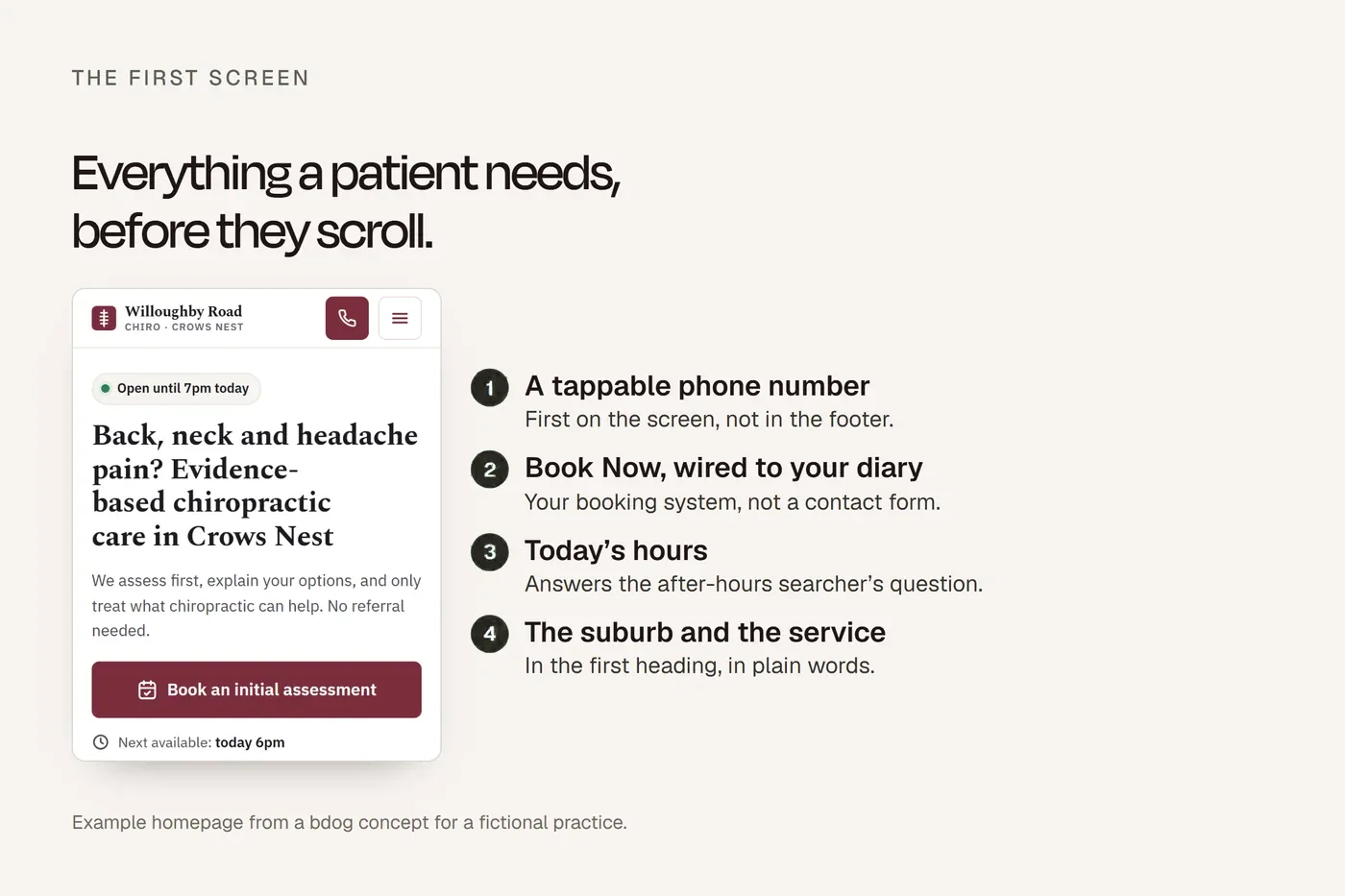
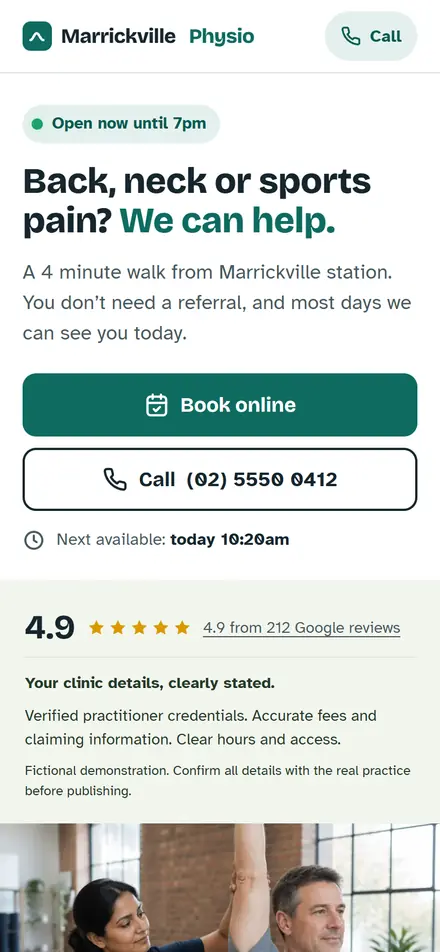
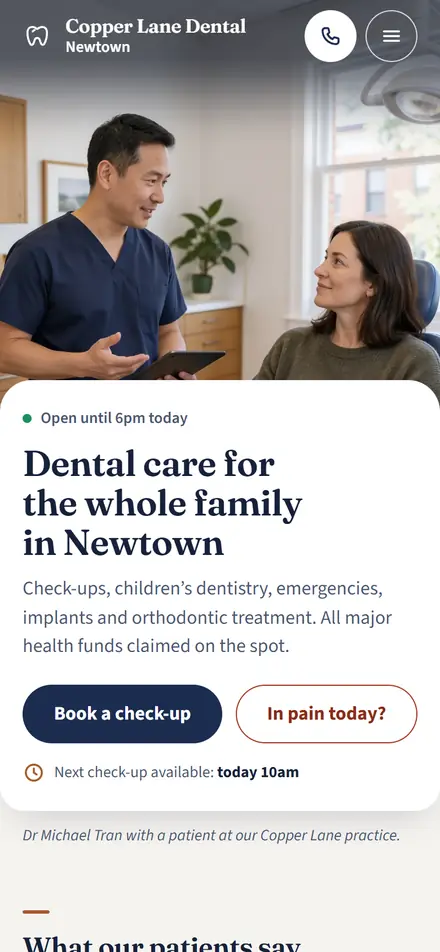
Whichever you pick, the button goes in the first screen on mobile, next to the phone number. That's the one rule that matters more than the method.
Where the code lives, system by system
Menu names change. If yours has moved, search the vendor's help centre for "online bookings" and "embed".
Cliniko
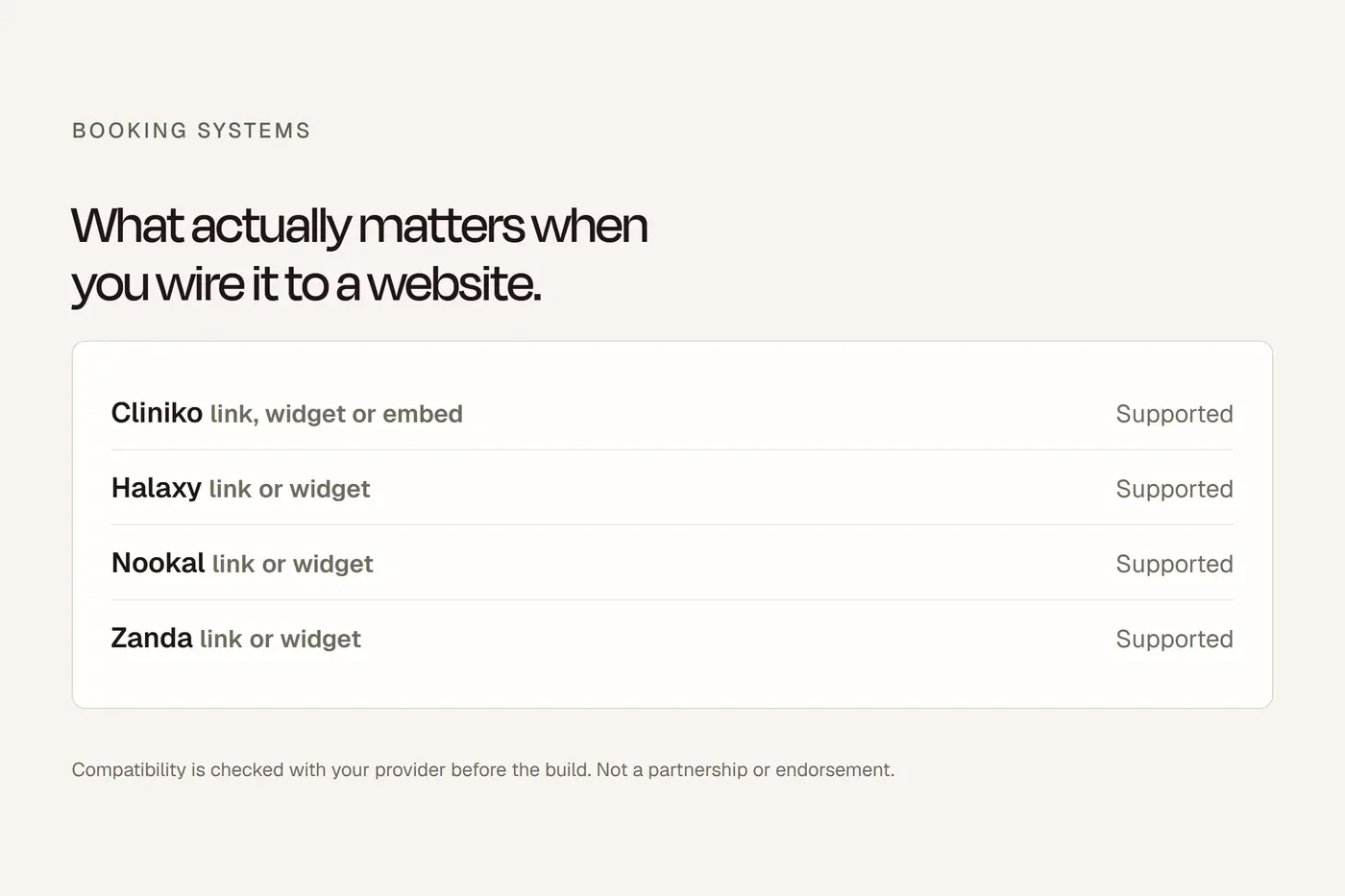
Settings, then Online bookings. Turn bookings on, tick the practitioners who should appear, choose the appointment types, then "Copy code" for the embed or copy the bookings URL for a button. Cliniko has a URL builder that makes separate booking pages per practitioner, per location, or per appointment type, so a physio's bio page can link straight to their own diary. Guides exist for Squarespace, Wix and GoDaddy. No marketplace, so no booking fee of any kind.
Halaxy
Personal, then Profile, then Directory Profile Preferences, then the Embed tab. Your profile needs to be visible first, either public or "enabled but not searchable", and online bookings need to be switched on for each location. The Embed tab gives you a code for the full booking page and HTML for buttons. You can make direct links per fee, per appointment type, per practitioner or per location. Halaxy's public directory is free to list on.
Nookal
Setup, then Extensions, then Online Bookings. Choose a starting point and a link type, then Generate. That gives you a link or an embed code. Before that, each location has to be set up on its own, and staff, services and classes have to be enabled for online booking. Nookal has two booking systems running side by side, "New" and "Legacy". Use New for anything you build now. Nookal's Online Bookings Report records where each booking came from, which is more than most offer.
Zanda (formerly Power Diary)
Power Diary became Zanda in November 2024. Same company, same product, new name. Old links redirect. Zanda offers online bookings through a client portal that can be embedded or linked from a button. The support site moved to support.zandahealth.com, so check there for the current code location.
HotDoc
HotDoc gives you a booking widget for your site. It connects to the GP systems and, for allied health, to Cliniko, Nookal and Coreplus. Bookings through the widget on your own site are never charged. Bookings through the HotDoc app or hotdoc.com.au are what the new-patient charge applies to.
HealthEngine
HealthEngine's Online Booking System is the widget for your own website. Patient Match is the separate marketplace product with the per-new-patient fee. Keep the two straight when you talk to them. HealthEngine also powers the "Book online" button on some GP Google Business Profiles.
Timely
Setup, then Booking buttons. Choose "All" for a general button, then copy the code. Timely offers a pop-up button, an inline button and a plain link, with guides for Squarespace, Wix and Shopify.
Fresha
Fresha gives you a booking widget or button for your site. The 20 per cent new-client fee applies only to clients found through the Fresha marketplace, not to anyone who books through your own site. Fresha ended its free plan in 2025.
Pabau
A branded booking page and a Book Now button. Pabau advises against embedding, for the reasons above. Follow their advice on their product.
Zenoti
Enterprise skin and spa platform. It offers a booking widget. The embed documentation is behind the login, so ask your account manager.
Jane
Settings, then Branding, then Book Online Buttons. Jane generates codes for your main booking page and separate ones per practitioner and per location. For Wix and Squarespace, which won't take raw HTML in every block, Jane gives you a plain URL to attach to a button instead. No marketplace.
Splose
Online booking is built in and links or embeds on your site. Splose is built around NDIS and mobile practices, so its booking flow handles the intake those need. No marketplace.
Coreplus
A book-now button that connects to your website or Facebook page. Coreplus also feeds HotDoc and HealthEngine if you list there. No marketplace of its own.
Praktika (dental)
Management, then Online Booking. You publish slots either by blocks or by rules, per provider and treatment type, and patients are matched by name, date of birth and mobile. Online booking is free for Praktika subscribers apart from the SMS verification fee. There's also an API if your web developer wants deeper control.
Dentally (dental)
Dentally's portal offers an inline embed or what it calls a smart pop-up. Patients can book, view and cancel, and new and existing patients get separate paths. Practitioner photos and bios can show in the booking flow.
ezyVet (vet)
ezyVet has a customer portal with e-booking, but the module has to be enabled by ezyVet support before it appears. Most Australian vet clinics we see use Vetstoria on top of ezyVet, which is an embeddable widget with real-time availability that writes back to the practice system. Vetstoria also connects to Google Business Profile.
What about a system that isn't here
If it has a booking page with a web address, you can link to it. A button on your site that opens that address in a new tab is a perfectly good integration. It won't be embedded, but as covered above, that's often the better outcome anyway.
Tracking: what you can and can't see
This is the part that surprises clinic owners.
If a patient books inside an embedded frame, your website analytics can't see it. The frame is the vendor's page. Browsers enforce a rule called the same-origin policy that stops one site reading what happens inside another site's frame. Google's own documentation on cross-domain tracking covers links and forms and says nothing about frames, because there's no clean fix.
Cookies won't save you either. Safari has blocked third-party cookies by default since March 2020, and that's the browser on every iPhone. Chrome decided in April 2025 to keep them, but building your tracking on that is building on sand.
Three things do work.
Track the click, not the booking. Fire an analytics event when the patient taps Book Now. You won't know if they finished, but you'll know how many started and from which page.
Redirect to a thank-you page. If your system lets you set a confirmation URL, send the patient back to a page on your own site after they book. That page loads with your analytics on it. Simplest robust method.
Ask the system. Nookal's booking report records referral source. Some systems fire a webhook when a booking is made, which a developer can turn into an analytics event. Ask your vendor what they offer before you spend money on workarounds.
Every bdog site tracks the click and, where the vendor allows it, the thank-you page. If you want to know how many bookings your website produces, that's the setup to ask for.
Two more things to check
Where the data goes. A patient filling in an embedded booking form is sending their details to the vendor's servers, not yours. Zanda states its Australian accounts are hosted on AWS in Sydney. Cliniko states it meets the Australian Privacy Principles. Global platforms may store data offshore. Read the vendor's security page and make sure your privacy policy says where booking data goes.
Mobile. Load your booking page on a phone and go all the way through to a confirmed booking. Do it on an iPhone and an Android. If the frame cuts off, the button is the fix.
Accessibility. Unplug the mouse and Tab through the widget to a confirmed booking. If you can't, some of your patients can't either, and under the Disability Discrimination Act that's your problem, not the vendor's website accessibility.
Everything above, condensed. Hand this to whoever looks after your site.
Where your booking code lives Sixteen systems. Current at September 2026. bdog.com.au
| System | Where to find it | Methods | Booking fee via your own site |
|---|---|---|---|
| Cliniko | Settings → Online bookings → Copy code. URL builder for per-practitioner pages | Embed, button, link | None |
| Halaxy | Personal → Profile → Directory Profile Preferences → Embed | Embed, button, link | None |
| Nookal | Setup → Extensions → Online Bookings → Generate. Use "New", not "Legacy" | Embed, link | None |
| Zanda (was Power Diary) | Client portal. See support.zandahealth.com | Embed, button, link | None |
| HotDoc | Widget from your HotDoc dashboard | Widget, link | None via your site. New-patient fee applies to app and hotdoc.com.au only |
| HealthEngine | Online Booking System widget | Widget, link | None via your site. Patient Match marketplace charges per new patient |
| Timely | Setup → Booking buttons | Pop-up, inline button, link | None |
| Fresha | Widget or button from your dashboard | Widget, button, link | None via your site. 20% of first appointment for marketplace clients |
| Pabau | Branded booking page and Book Now button. Pabau advises against embedding | Button, link | None |
| Zenoti | Widget. Ask your account manager | Widget | None |
| Jane | Settings → Branding → Book Online Buttons. Plain URL for Wix and Squarespace | Embed, button, link | None |
| Splose | Online booking settings | Embed, link | None |
| Coreplus | Book-now button | Button, link | None |
| Praktika | Management → Online Booking. Blocks or rules | Link, API | None (SMS verification fee applies) |
| Dentally | Portal. Inline embed or smart pop-up | Embed, pop-up | None |
| ezyVet | Customer portal, enabled by ezyVet support. Or Vetstoria widget | Portal, widget | None |
Scroll the table sideways to see every column.
Below the table:
Three checks before you go live
- Book Now is in the first screen on a phone, next to the phone number
- You've booked a test appointment on an iPhone and an Android, all the way to confirmation
- The click is tracked, and the booking is too if your system offers a thank-you page or webhook
Menu names change. When yours has moved, search your vendor's help centre for "online bookings" and "embed".
Questions we get asked
How do I add Cliniko online bookings to my website?
Settings, Online bookings, Copy code. Or copy the URL and put it behind a button.
Can I embed Halaxy bookings without appearing in the directory?
Yes. Set the profile to "enabled but not searchable" and the embed still works.
Does HotDoc charge for bookings from my own website?
No. HotDoc's own words: you will never be charged for a booking via the widget on your site.
Can I have a separate booking link for each practitioner?
Cliniko, Halaxy and Jane all generate them. Nookal can, per starting point. Others vary.
Should I embed or use a button?
Button on the homepage and service pages. Embed only on a dedicated booking page, if at all.
Can I track bookings in Google Analytics?
You can track the click. To track the completed booking you need a thank-you page redirect or a vendor event. A frame on its own won't report back.
Does the booking widget work on mobile?
A button always does. An embedded frame often needs height adjustments. Test on a real phone.
What happened to Power Diary?
It's Zanda since November 2024. Same product, same company.
My system isn't listed. Can I still connect it?
If it has a booking page with a URL, yes. Link to it from a button.
Is Nookal's Legacy booking going away?
Nookal has a New system and a Legacy one. Build on New.
About this guide
Sources are named in the text; where the rules come from a regulator we link to the regulator, not to a summary of it. This is general information about building a website, not legal advice.